



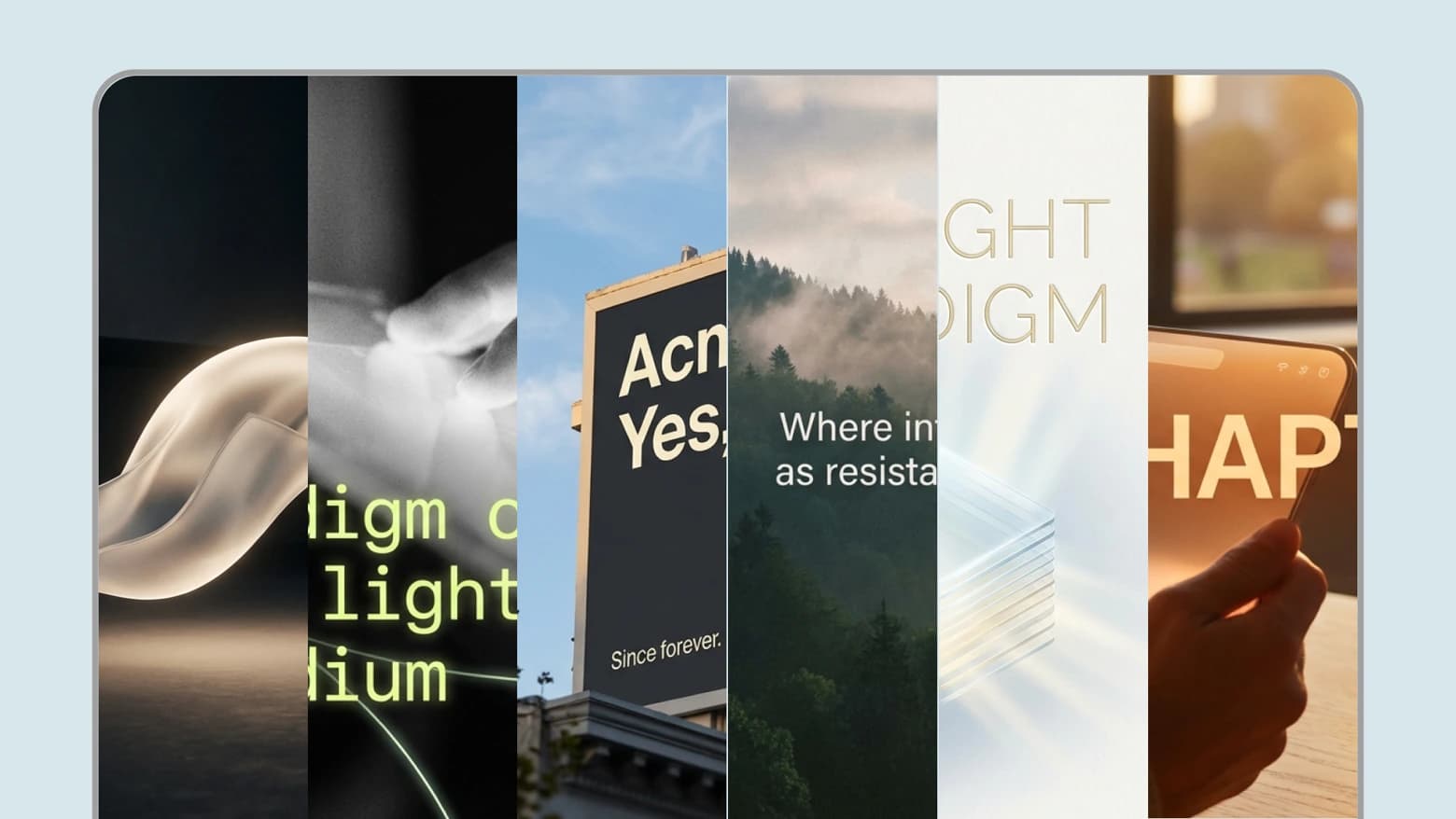
Six formats for different platforms
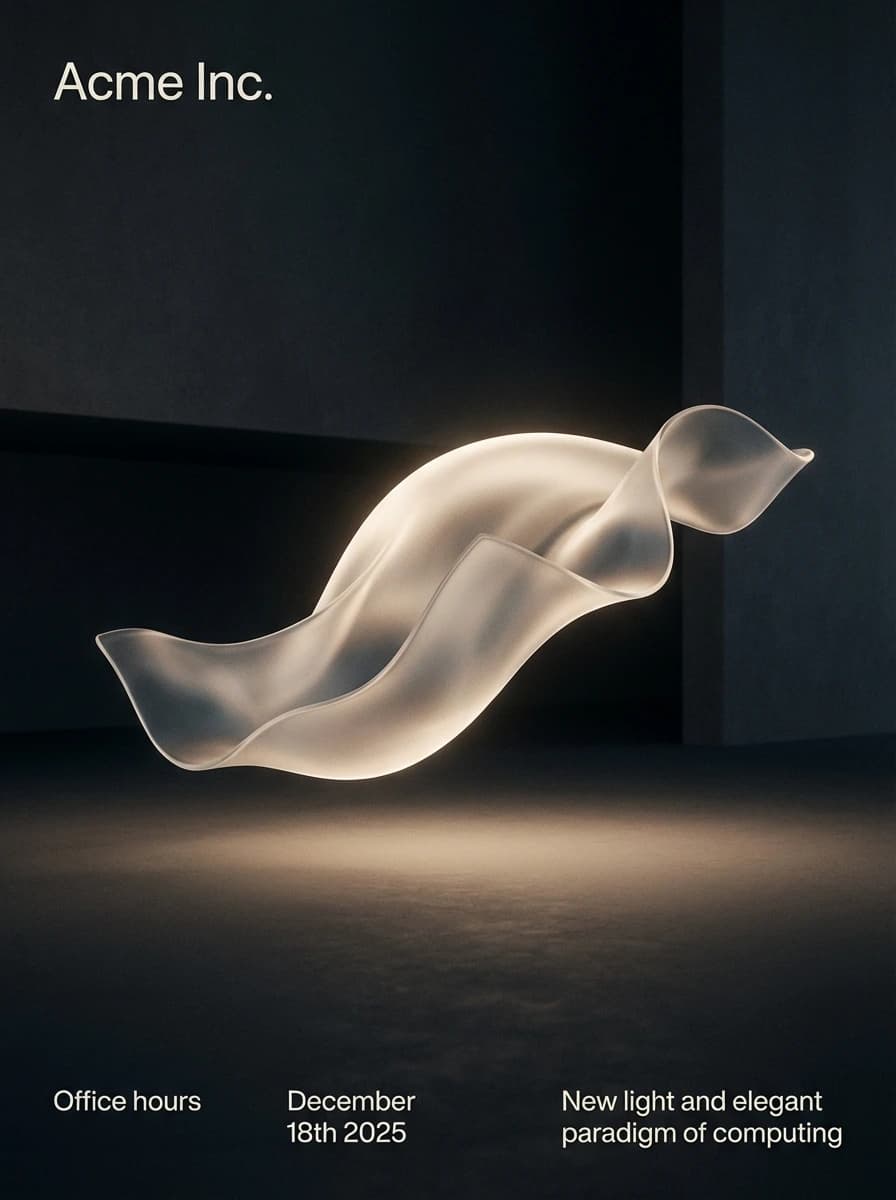
Editorial poster – Magazine-style layouts with bold typography and striking composition
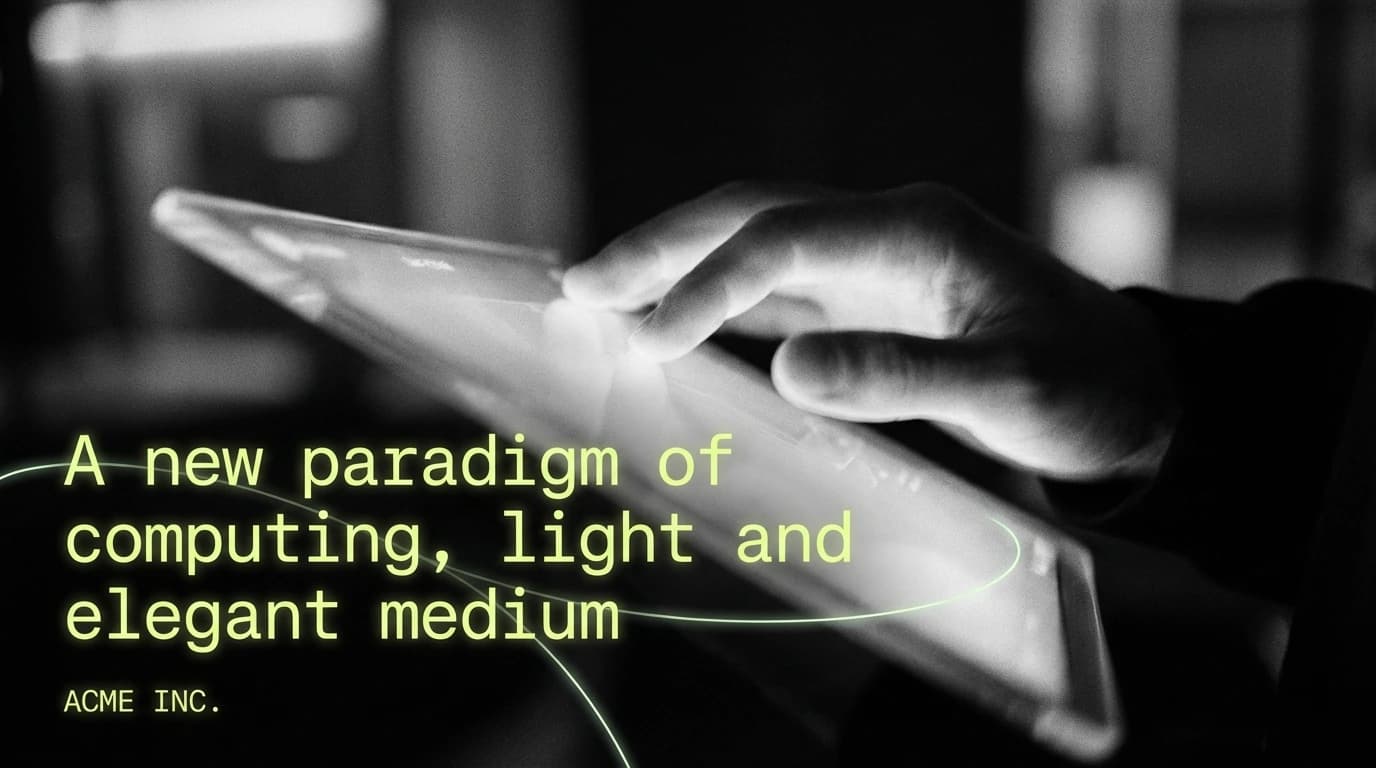
Neon slide – Vibrant presentation slides with neon aesthetics
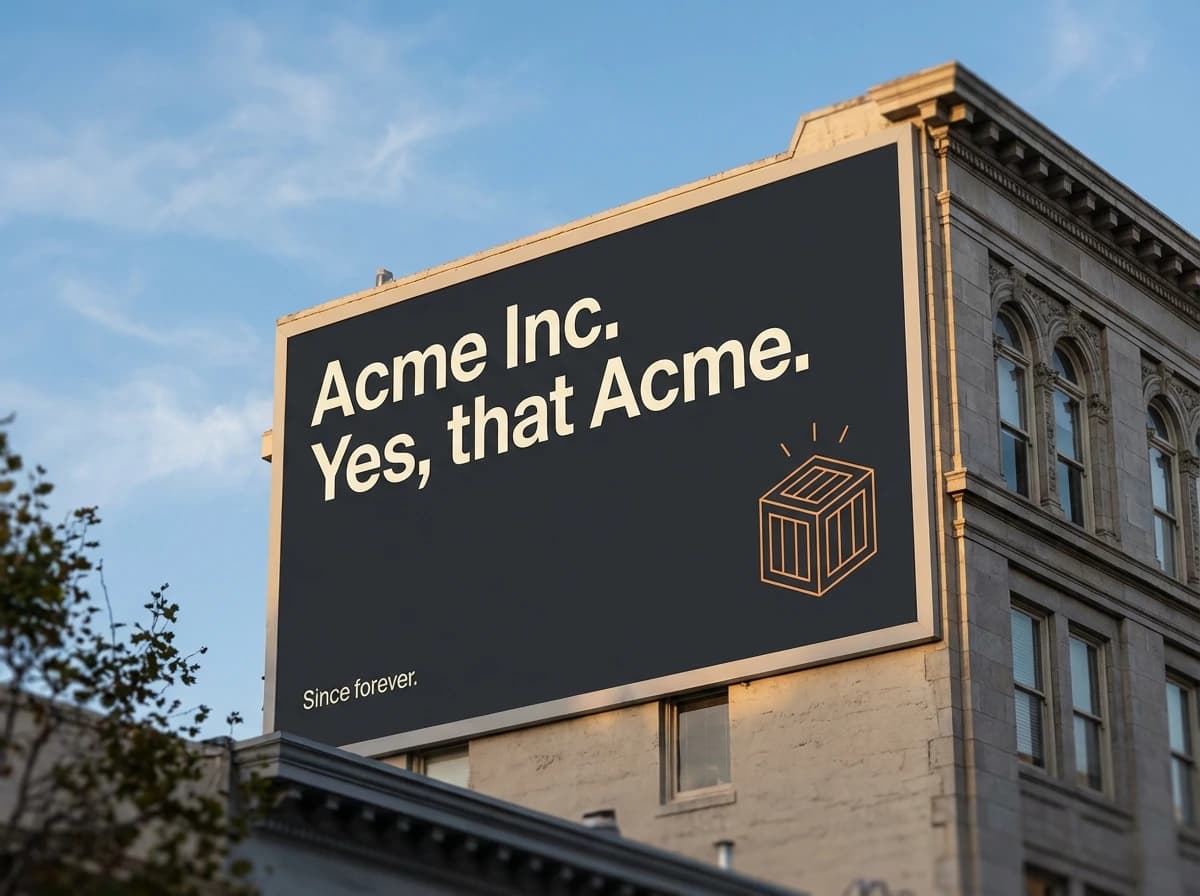
City billboard – Large-format advertising designs with high-impact visuals
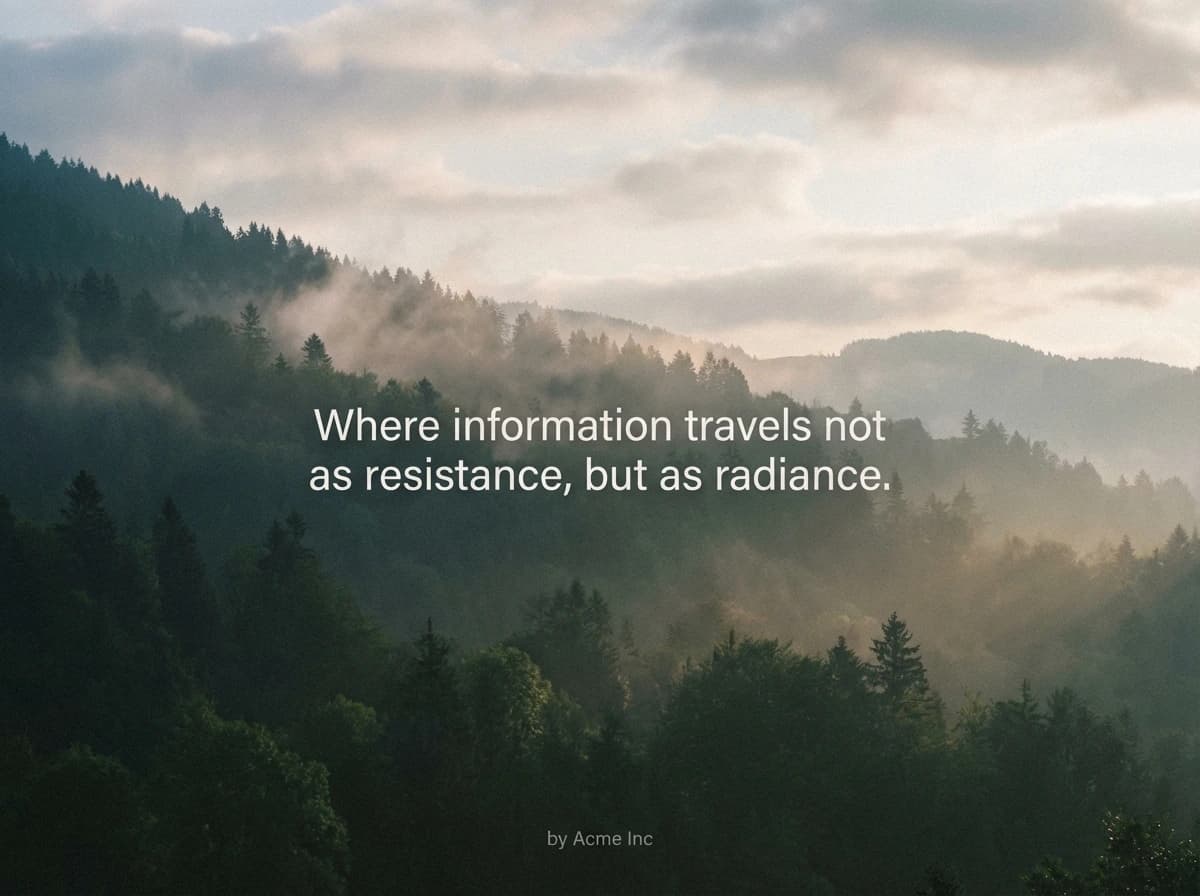
Nature quote – Inspirational quote graphics with natural landscape backgrounds
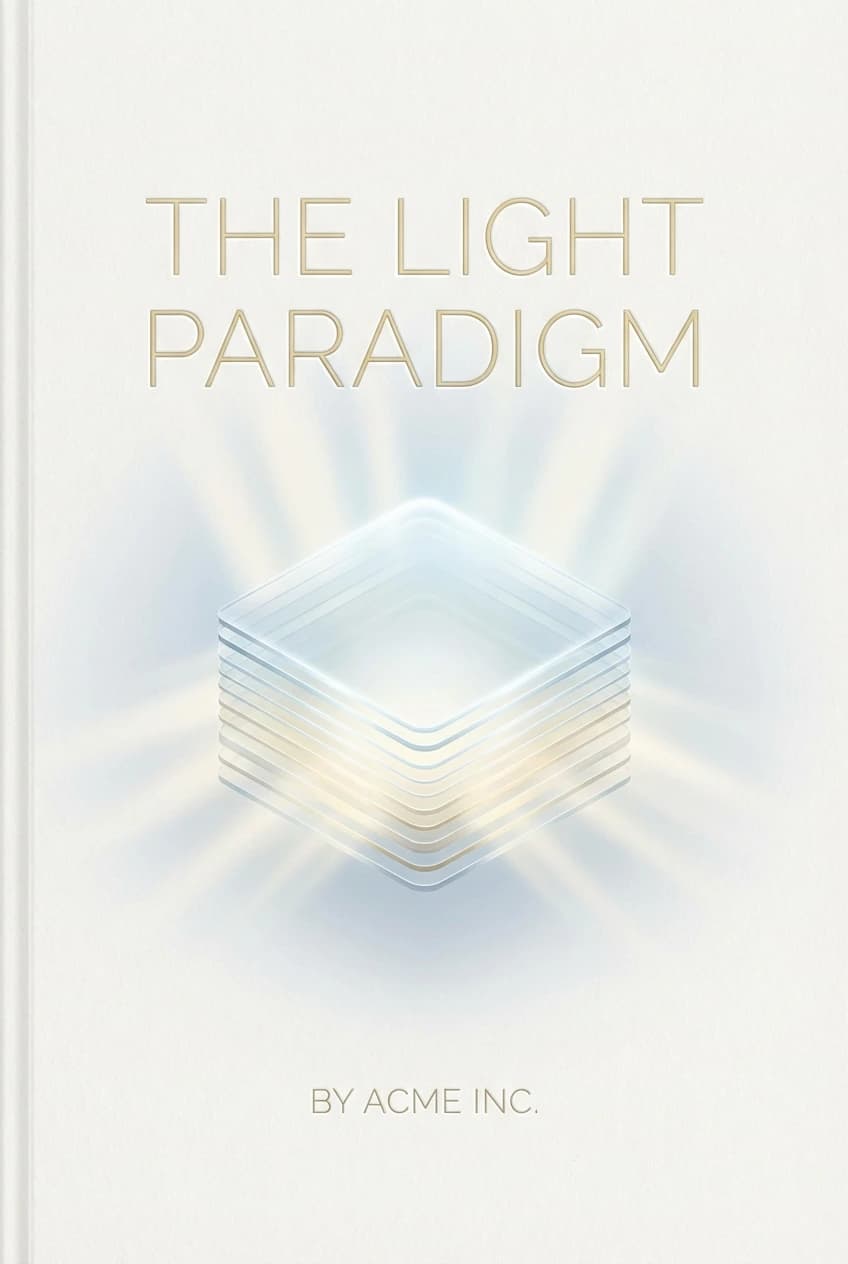
Book cover – Publication-ready book and ebook cover designs

Cinematic thumbnail – Video thumbnail designs with cinematic style
Generate visuals as you create, evolve your own style
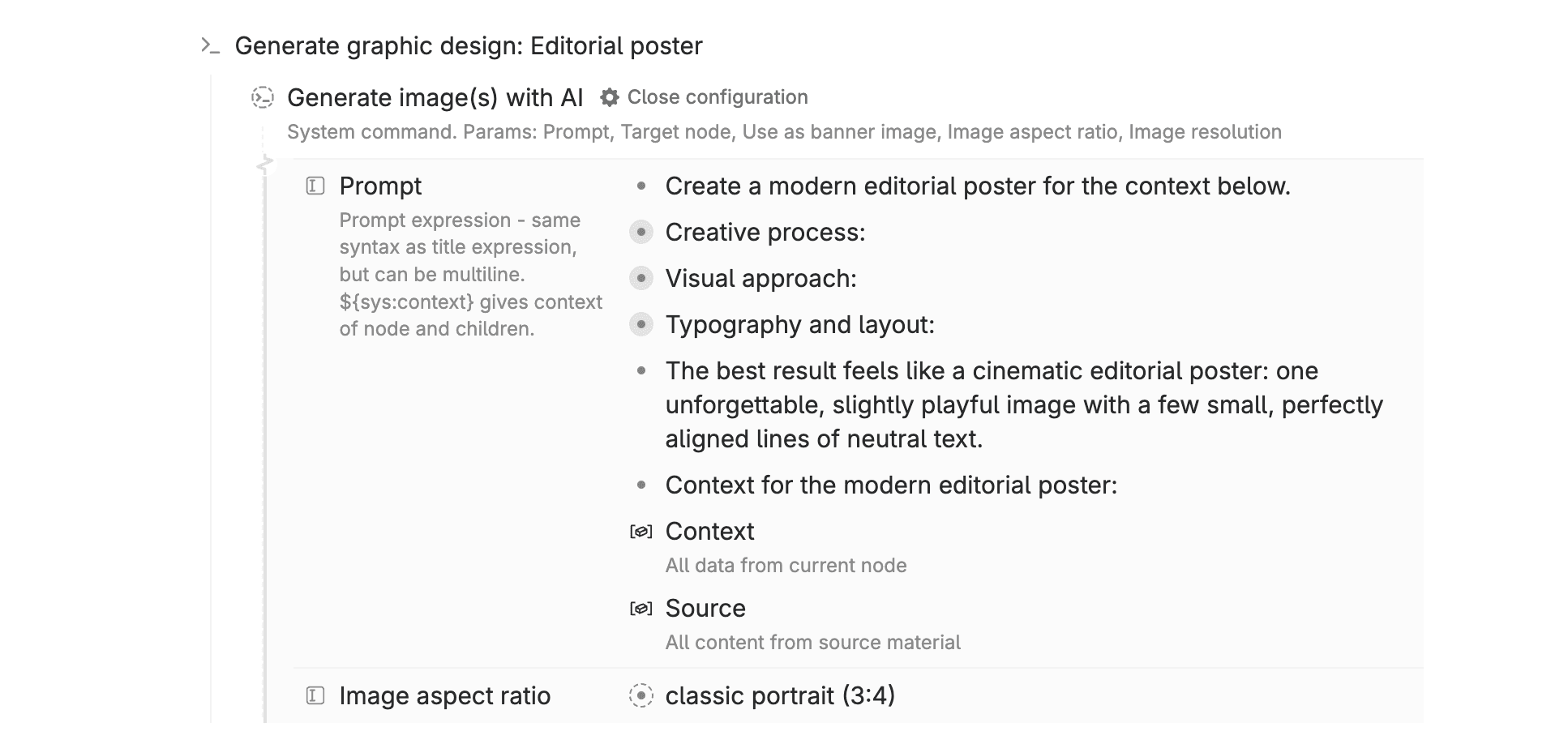
Custom image generation commands
Duplicate any command, adjust the prompt to match your brand, save it for repeated use. Each command becomes a starting point you can refine over time. Start with these templates, evolve them into your unique visual language.
From concept to finished design
Each format matches specific use cases: editorial posters for blog headers, neon slides for presentations, city billboards for high-impact ads, nature quotes for social sharing, book covers for publications, cinematic thumbnails for video content. Platform-optimized formats that understand each medium's constraints.
How to use
- Open any node where you want graphic design
- Press
cmd+kto open the command line and type the name of any format command - The command processes the node's context and generates a design
- Run again for different variations, or try different formats
- Optional: Add any command as a button on a supertag for one-click access
This template contains
6 AI graphic design generation commands:
- Generate graphic design: Editorial poster
- Generate graphic design: Neon slide
- Generate graphic design: City billboard
- Generate graphic design: Nature quote
- Generate graphic design: Book cover
- Generate graphic design: Cinematic thumbnail
- Example output for each of the commands