
AI image generation. Your notes, illustrated.
Turn your notes into whiteboard sketches, infographics, cartoons, or napkin drawings. Tana Outliner lets you experiment with finding your style for prompts, and build up your own prompt library.
Turn your notes into images with Gemini Nano Banana Pro in Tana Outliner
Generate clear, well-framed images directly from any note. Perfect for banners, diagrams, illustrations, or visual summaries.
No switching apps, no complex setup. Just write a prompt, run a command, and get the image you need inside your workspace. Tana Outliner's image generation, powered by Gemini Nano Banana Pro, lets you transform text prompts into images that fit neatly into your documents. Whether you are creating a project brief, a knowledge base, or a visual explanation, you stay in flow and keep everything connected.
- Built-in image generation from any node.
- Ideal for banners, diagrams, orientations, and concepts.
- Designed for speed and clean composition.
If you need help with crafting advanced prompts, use Tana Outliner's built-in AI chat with models like Claude Opus 4.5, GPT-5.1, or Gemini 3 Pro.
Perfect for these use cases
From quick visual summaries to brand-consistent assets, image generation works wherever your notes do.
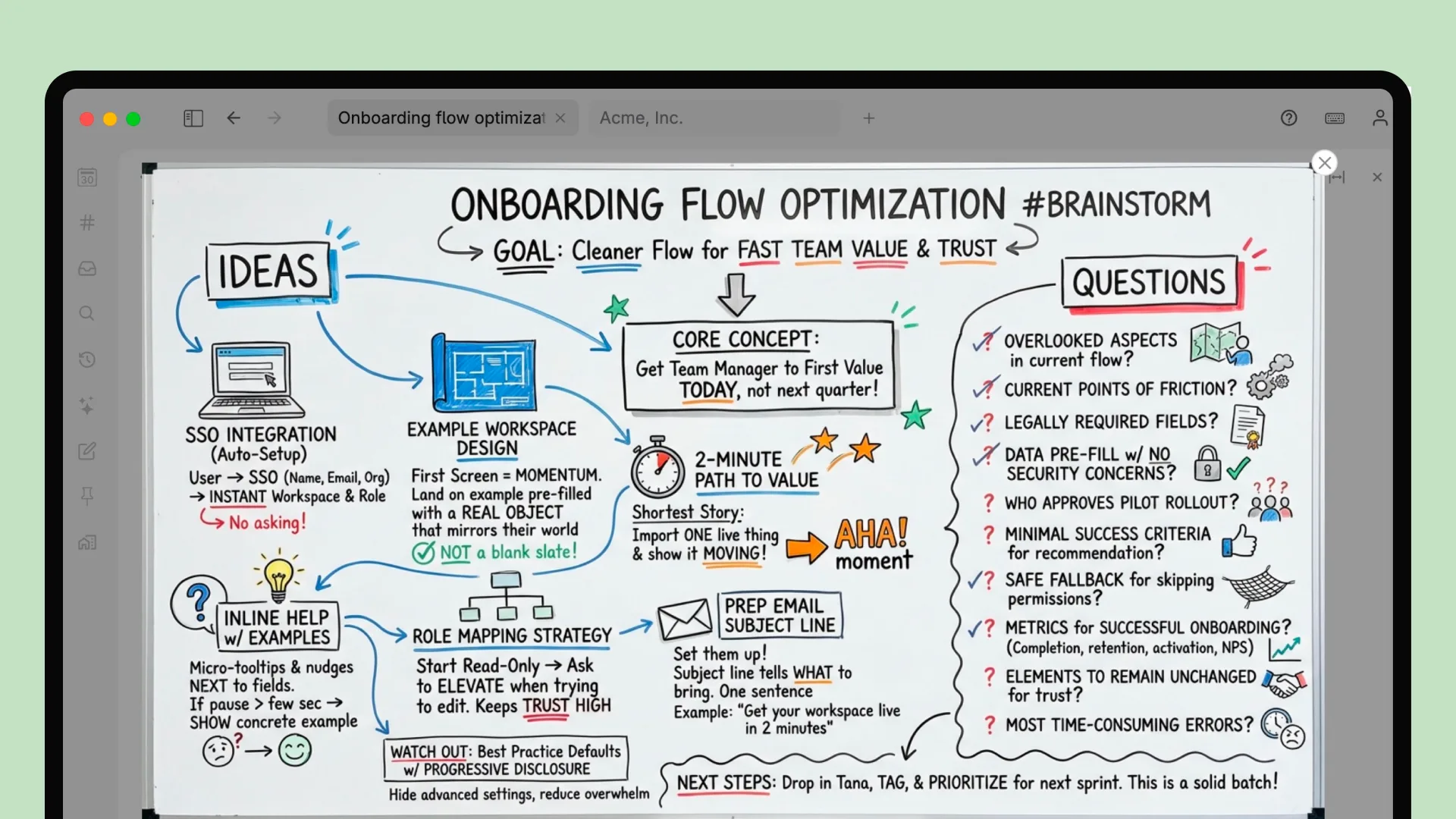
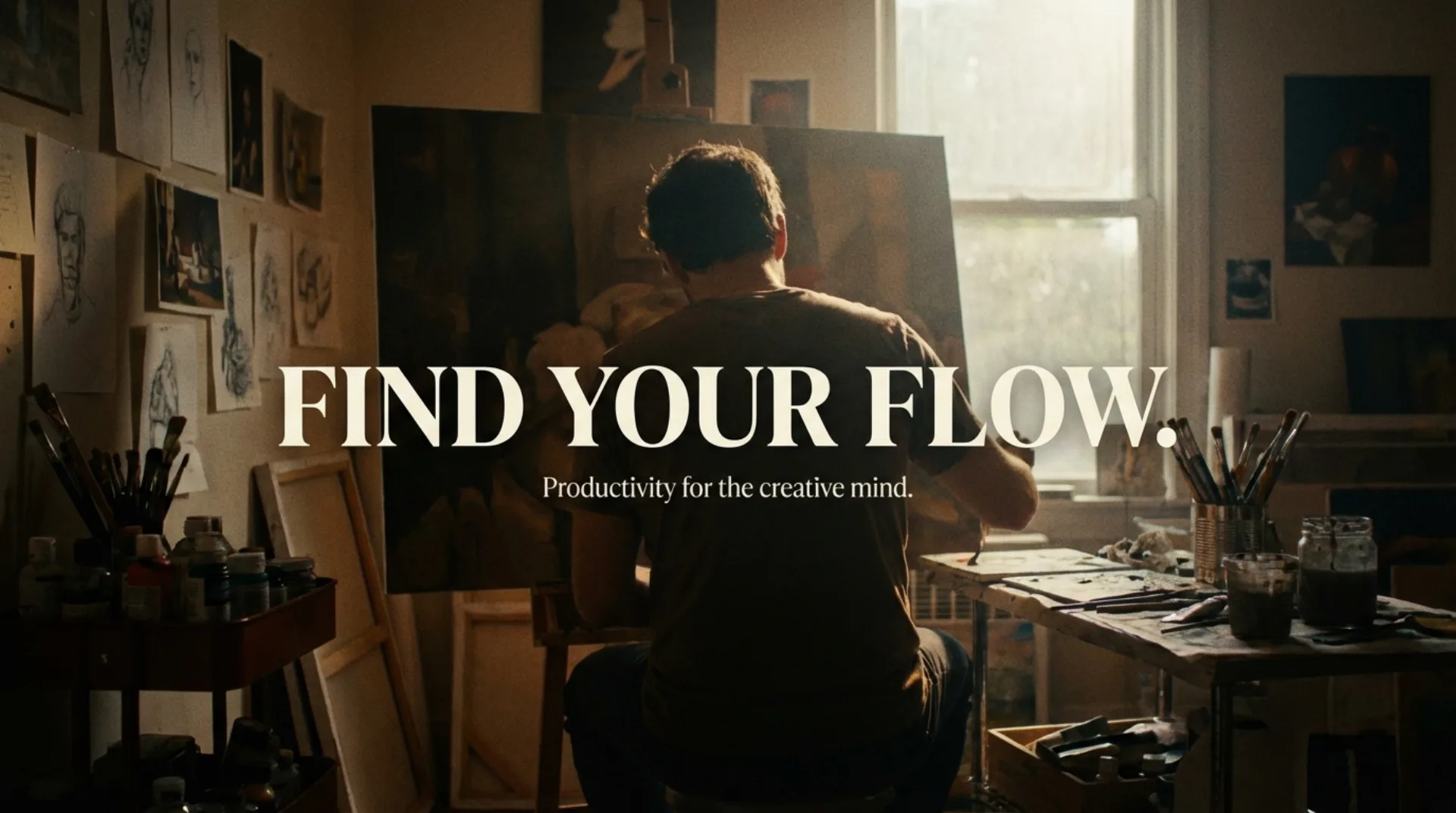
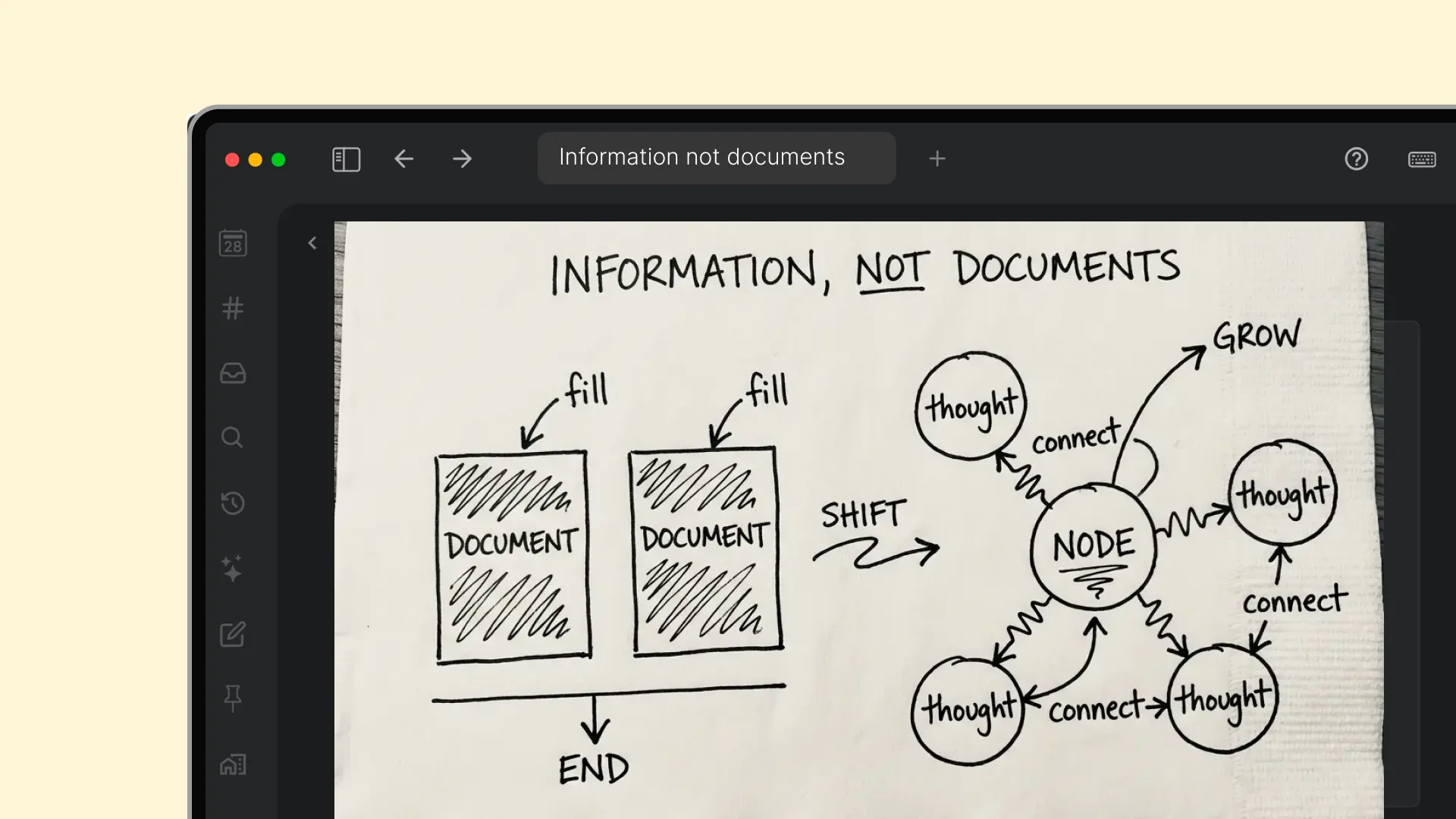
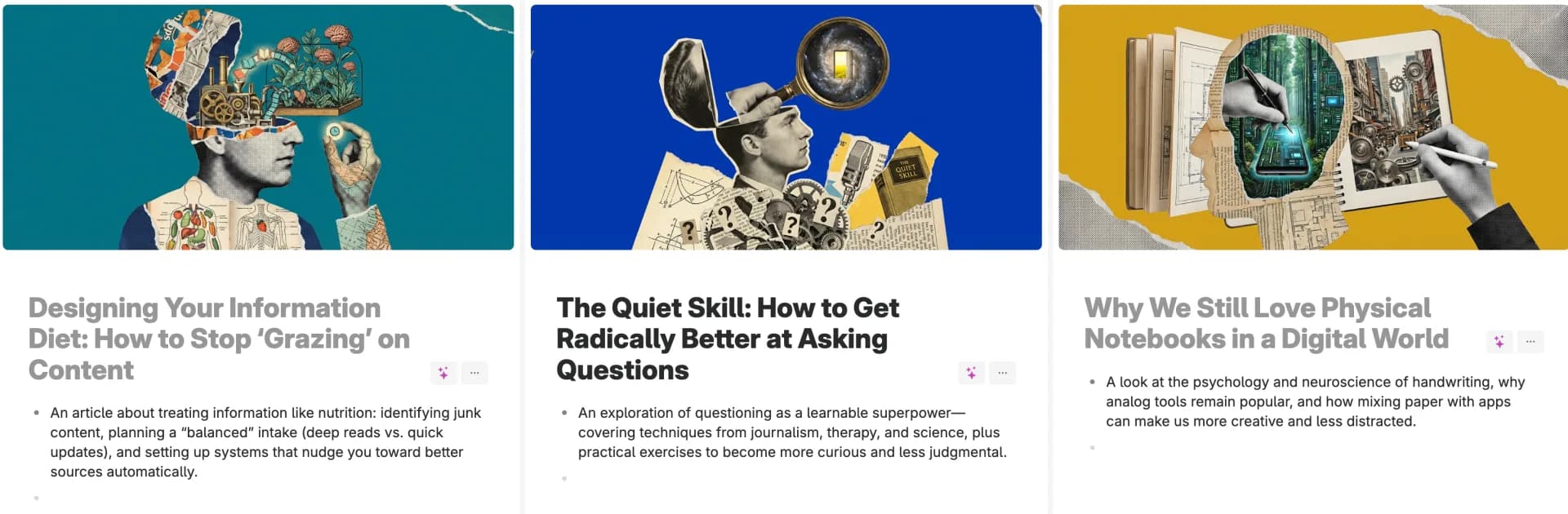
Gorgeous banner images
Set the tone with beautiful banner images that you can generate on any node. Check out the pre-built banner image generation prompts by installing a template.
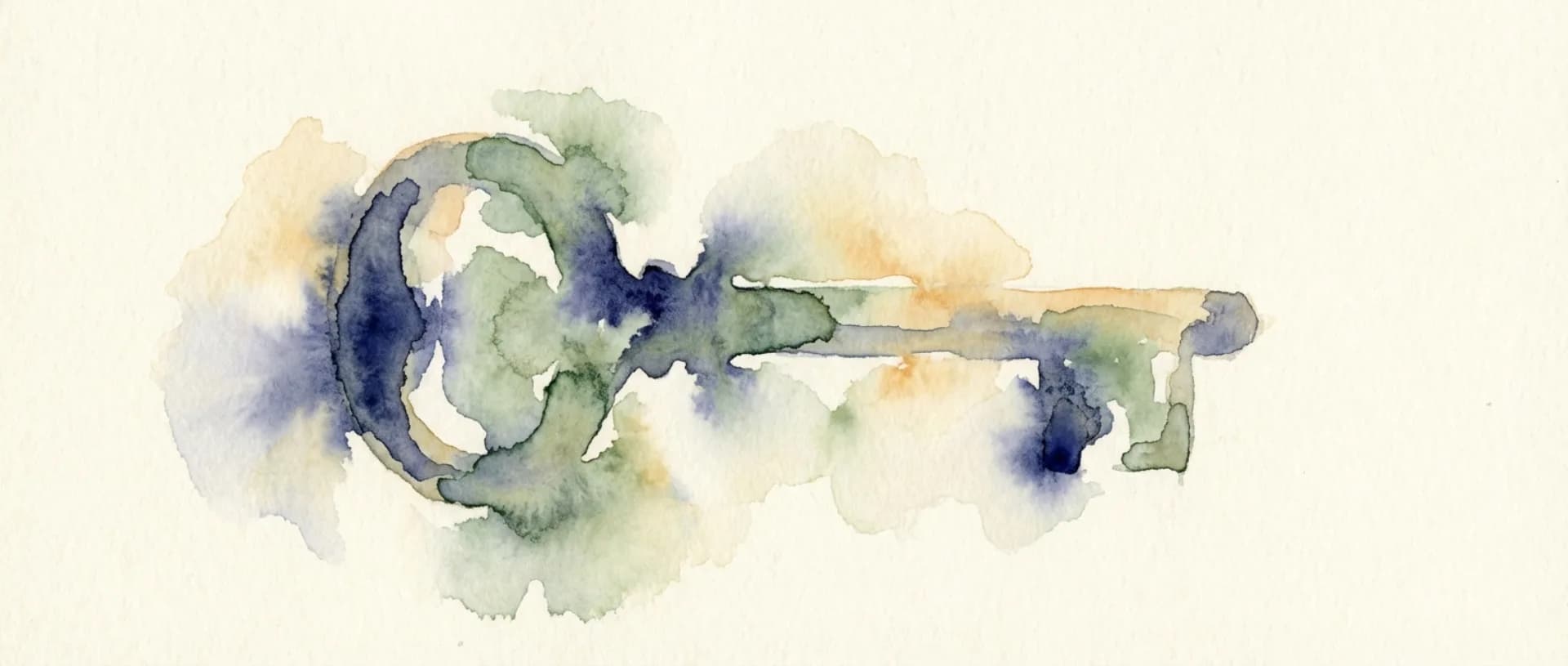
Build a prompt library you actually reuse
Get a consistent banner image style by re-using your own prompts.
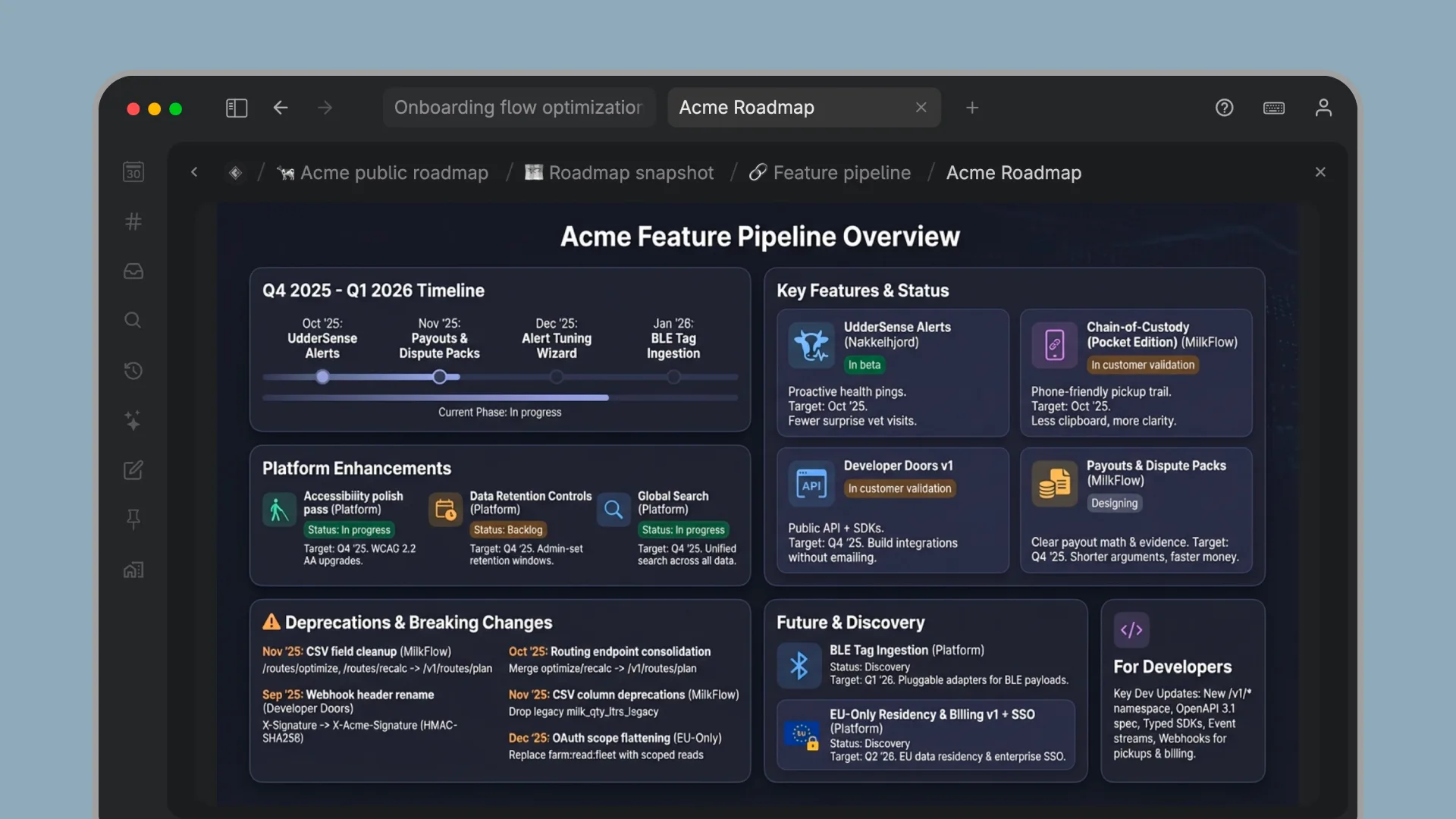
Generate images instantly from any note
In Tana Outliner, you can write out a prompt as a simple note, or take an existing note with bullet points or complex information and generate an image from it.
Just write, then use Tana Outliner's command line (press Cmd-K on macOS or Ctrl-K on Windows and Linux) and select Generate image with AI to get the image inserted directly into your note.
Why generate images in Tana Outliner?
Images stay connected to your work. Your visuals live next to the writing, research, or meeting notes they support.
A faster way to create banners and diagrams. No exporting, no juggling tools. Create visual context as you write.
Built for real-world knowledge workers. Managers, consultants, researchers, and product teams often need quick visuals but do not want to open a dedicated design or art app.
Your prompts become long-term assets. Every prompt you write becomes part of your knowledge graph. Organize, reuse, and refine them without friction.
Make advanced prompt engineering easy with command nodes
Tana Outliner lets you create powerful command nodes that can be configured to perform AI actions, such as starting a custom-GPT-like AI chat agent, generating content, or reformatting existing content using AI with custom prompts. Tana Outliner also offers advanced functionality to build AI commands that reference specific parts of your content as context for AI queries.
This makes it possible to create command nodes that generate images using a specific prompt every time to give a consistent style. By running a command node on a specific node, AI will use the node's content, or selected fields, as context to generate the image.
By storing the prompts as notes in Tana Outliner, you build up your own prompt library over time.
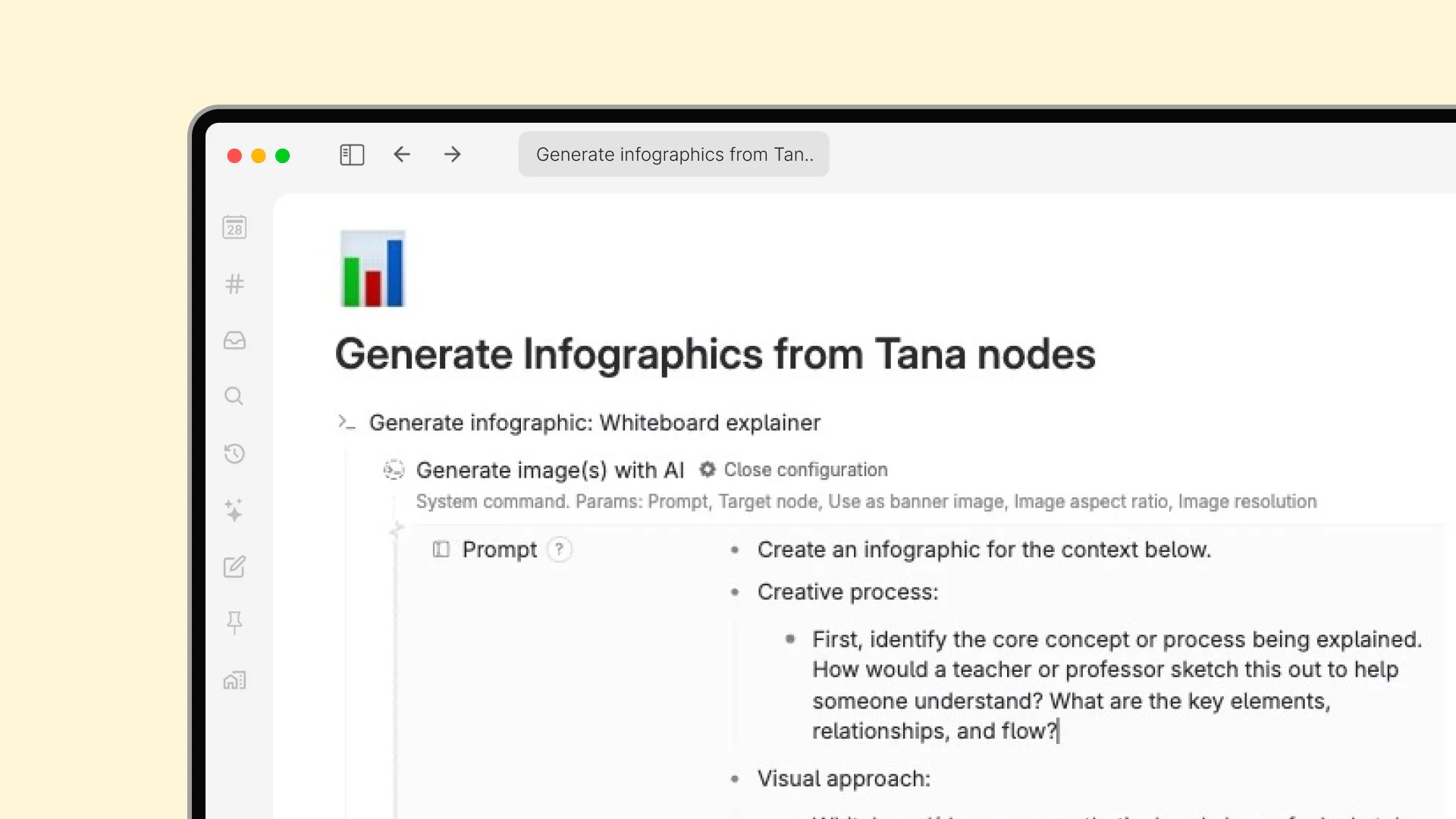
Image generation templates
Install a template to get a ready-made set of prompts and command nodes for image generation.
Start generating images today
Generate clear illustrations, banners, and diagrams directly inside Tana Outliner. No design tools. No switching apps. Just write a prompt and create. Get started for free.