
Tana Outliner for desktop. Available on Windows, Mac, and Linux.
Elevate Tana Outliner to the top of your desk. The desktop app gives you faster performance, full offline access, native tabs and panels, a bot-free meeting notetaker, and desktop notifications in a focused environment that feels like the app at its purest. It also enables the local API and MCP for connecting to AI services.
What is Tana Outliner for Desktop?
Tana Outliner for Desktop lets you run your entire knowledge graph in a dedicated desktop environment with offline support, better performance, and deep integration with your operating system. You get the same outline editor and knowledge graph you know from the browser, but in a cleaner and more integrated interface.
Work offline, stay in flow
Your ideas don't need wifi. Neither should your notes.
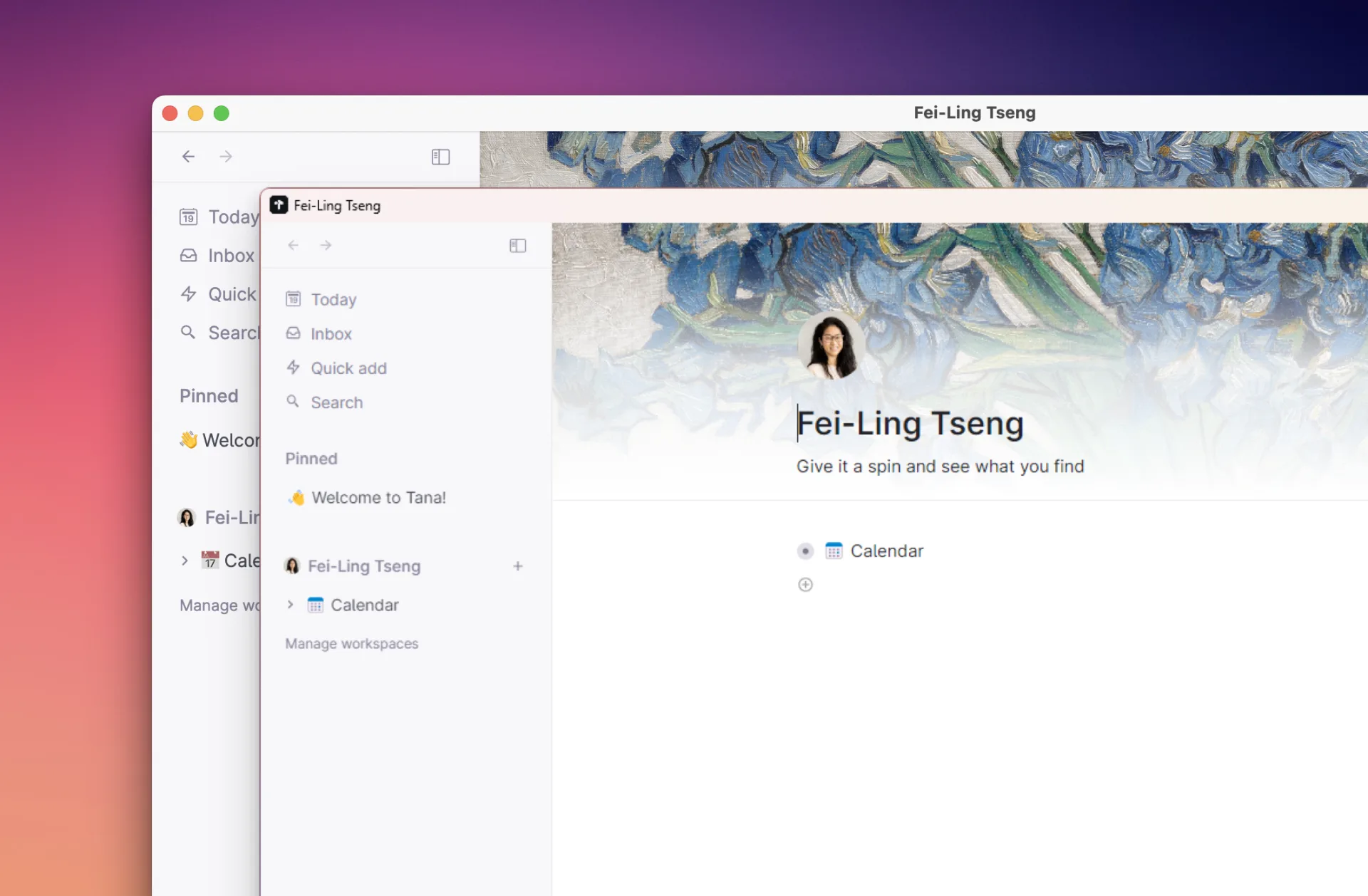
The desktop app now works completely offline, so your notes, tasks, and ideas are always available, even without wifi. You can read, write, edit, and search your workspace and access most features even when you travel or work in places with unstable networks.
When your connection drops, you keep working in your personal workspaces. Tana Outliner syncs changes automatically when you come back online. You can also choose to enter offline mode directly when you want deep focus without network distractions.
Easy navigation with tabs and panels
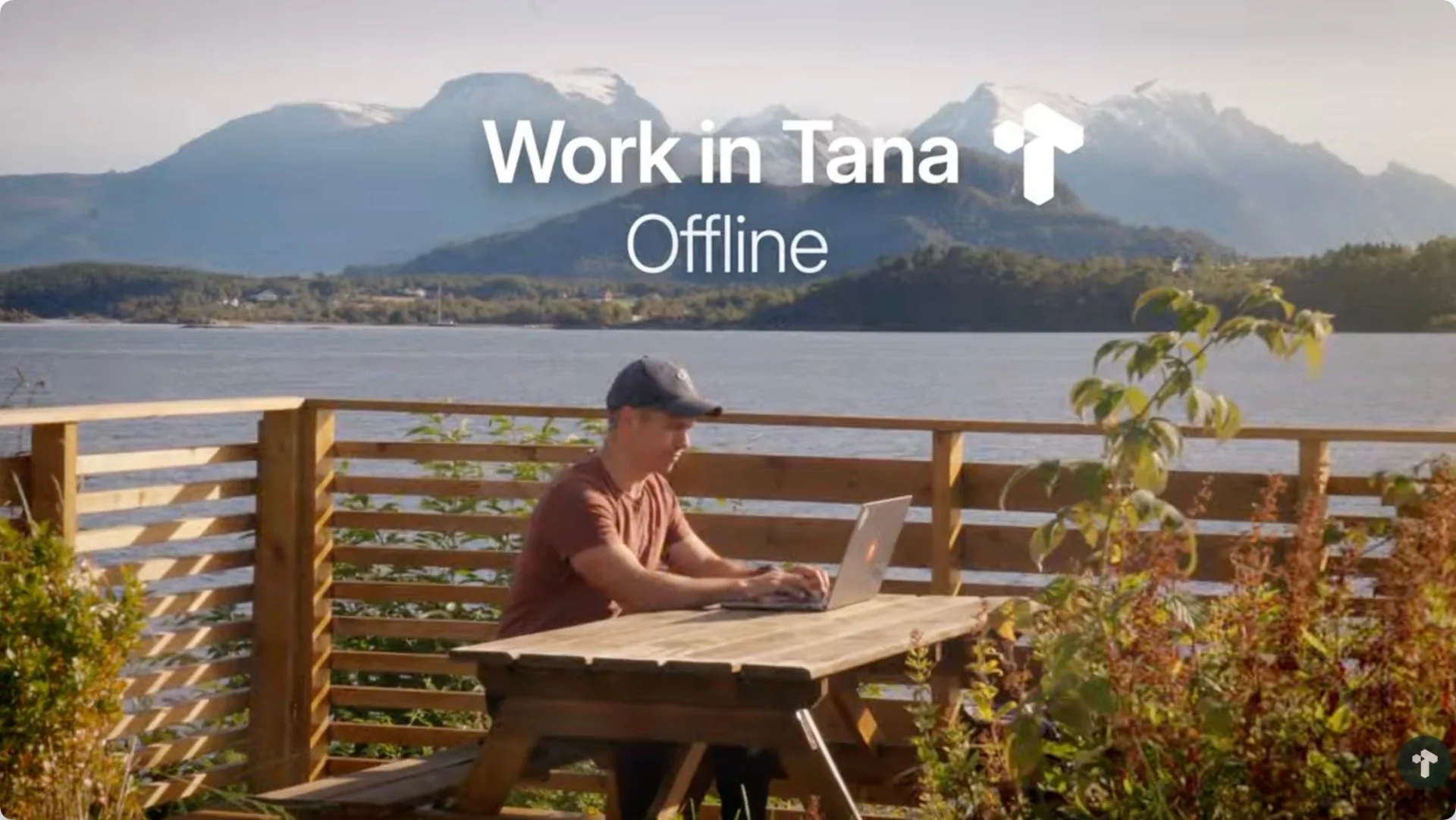
The desktop app gives you navigation features designed for serious work. You can open multiple tabs in a single window, like in a browser, so projects, notes, and meetings stay side by side.
Panels let you split the screen and compare or work across pages without losing your place. Keep a project plan on the left and meeting notes on the right, or a daily note next to your task overview.
Less tab fatigue and less context switching. Native tabs and keyboard shortcuts make everything feel snappy and predictable.
The AI Meeting Notetaker, no bot required
Most meeting transcription tools send a bot that joins your call, announces itself to everyone, and creates awkward moments. Tana Outliner does it differently. No bot announcements. No awkward interruptions. Just you, your meeting, and notes that actually connect to your work.
The AI Meeting Notetaker records system audio directly from your desktop. You get live transcription of calls, in-person meetings, lectures, and interviews; AI-generated summaries and action items after every meeting; and notes linked directly to people, projects, and tasks in your graph.
Never miss a meeting: desktop notifications
The desktop app sends meeting notifications that keep you on time and in context.
When you connect your Google Calendar, Tana Outliner shows reminders as meetings start. One click opens the meeting link (Google Meet, Teams, Zoom) and at the same time opens the meeting node in your graph so you can begin taking notes or start the meeting agent.
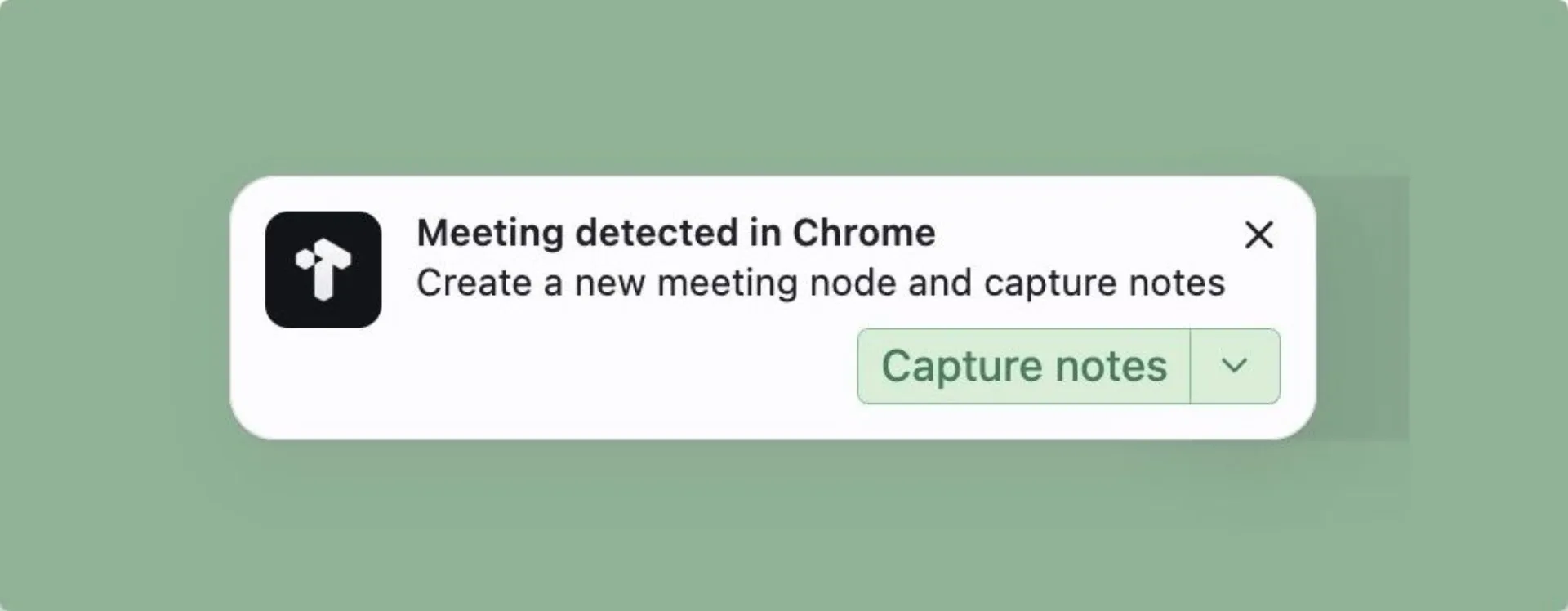
The app can also detect ad hoc meetings and suggest that you capture and transcribe them. The result is one seamless flow from notification to call to structured notes in your graph.
Tana Outliner API and MCP
The Tana Outliner desktop app exposes your workspace through a local API and the Model Context Protocol (MCP), so AI tools like Claude Code or Codex can read, understand, and work with your real notes. Instead of copying text into prompts or starting from scratch, AI operates on your structured outlines, voice notes, and connected knowledge. Your work stays in one place, compounds over time, and becomes more valuable the longer you use it.
Why use Tana Outliner Desktop instead of the browser?
The browser is great for quick access, but a dedicated desktop app is built for deeper work. With Tana Outliner for Desktop you get:
- Better performance. Tana Outliner runs outside your crowded browser, so everything feels faster.
- A clean, distraction-free workspace. No other tabs competing for your attention. Just you and your graph.
- Your knowledge graph, always available. Read, write, search, and navigate your entire knowledge graph without an internet connection.
- Desktop features that matter. Notifications, system audio recording for meetings, and closer integration with keyboard shortcuts.
You still have the option to open Tana Outliner in the browser, but for many people the desktop app becomes the main way they use Tana Outliner every day.