



Learn
Documentation for Tana Outliner, the knowledge graph with an outline editor.
Get started


The ultimate Tana Outliner starter guideTana Outliner is one of the most powerful knowledge management tools I have used. But sometimes all those powerful features can overshadow just how simple it can be to get started. And I guarantee that most people are overthinking it from the very start.


Editor and structure
Outline editorThe outline editor is where you write in Tana Outliner. You organize content by nesting and indenting bullet points, and you can expand, collapse, and rearrange them freely. Zoom into any bullet point and it becomes a full page. There are no separate documents or files.
Nodes and referencesEvery bullet point in Tana Outliner's outline is a node. Nodes are the core building block of everything in Tana Outliner. The same node can show up in multiple places as a reference. Edit it anywhere and every reference updates, so your information stays current everywhere it appears.
Node typesEvery bullet point in Tana Outliner is a node, but nodes come in different types. Each type has a distinct bullet icon so you can tell them apart at a glance: content nodes, references, search nodes, command nodes, fields, and more.
Workflows
All guides


Knowledge graph
SupertagsSupertags turn a node into a typed object with a template of fields. All nodes with the same supertag form a collection you can search, filter, and view as a table. Supertags are how you define the types of things in your workspace and give them consistent structure.
FieldsFields are named attributes on a node. Each field has a type (text, date, number, URL, options) that determines what values it accepts. When you add fields to a supertag template, every node with that supertag gets the same fields automatically, making your data sortable, filterable, and queryable.
ViewsViews control how a node's children are displayed. The same data can be shown as an outline, table, cards, calendar, list, tabs, or side menu. You can filter, sort, and group by fields. Switching views does not change the underlying data.
Live sessions
All sessions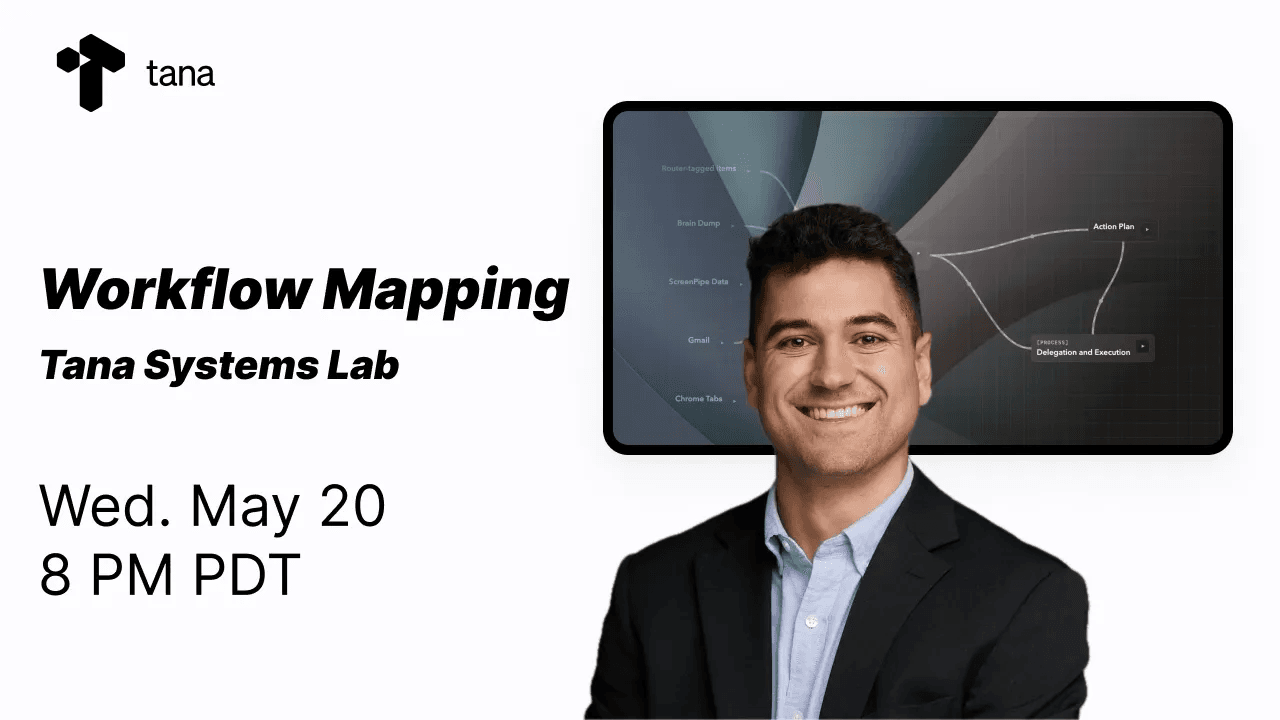
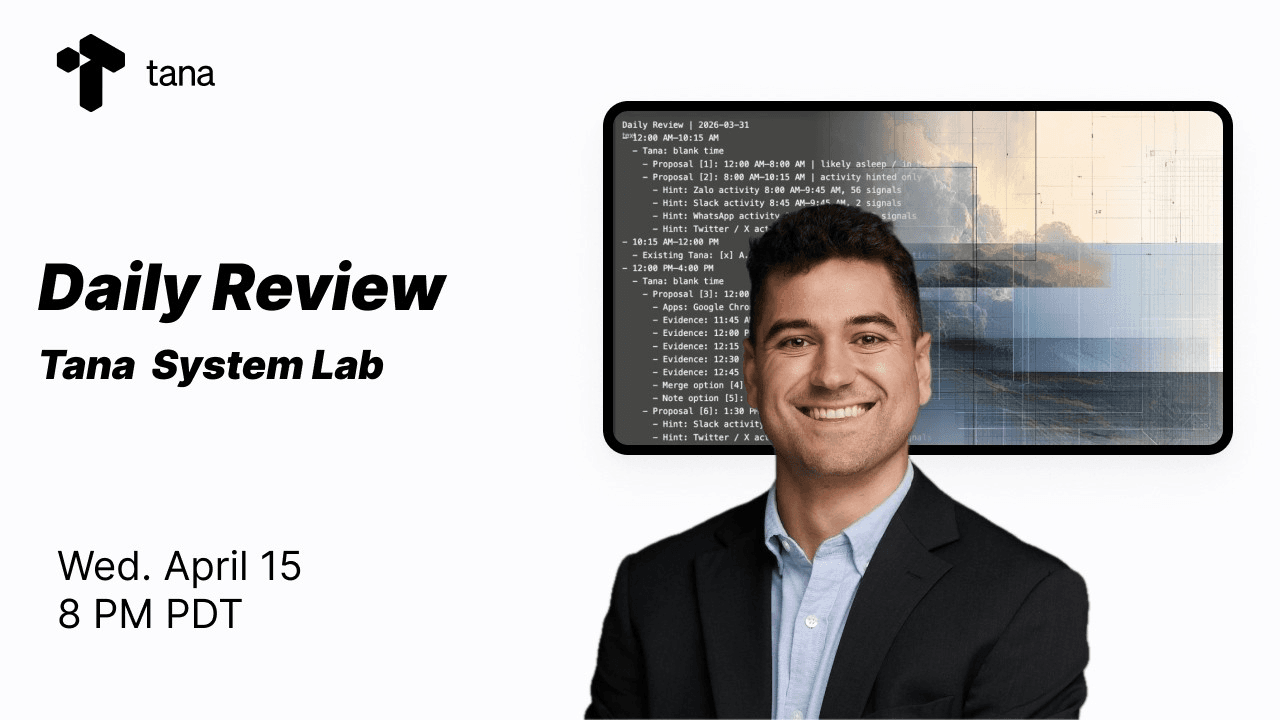
Tana Outliner Systems Lab: Workflow mappingVisualize your Tana Outliner agent workflows with Mermaid diagrams, HTML, and Object-Process Methodology (OPM) so you can explain, improve, and automate them.

AI and automation
Tana AITana Outliner includes AI across the product: meeting transcription without a bot, chat that can reference your notes, image generation, voice memos, and live dictation. AI credits are included with paid plans.
AI meeting notetakerA built-in notetaker in the Tana Outliner desktop app that records audio from your computer, transcribes it in real time, and generates a summary when the meeting ends. It works for video calls, in-person meetings, lectures, and interviews without adding a bot to the call. Supports over 60 languages with automatic detection.
AI ChatAI chat lets you have a conversation with an AI model directly inside Tana Outliner. Press Space below any note to start a chat with that note as context, or open the AI chats sidebar to start a standalone conversation. You can pull in specific notes as context by typing @ to reference them.
Templates
All templates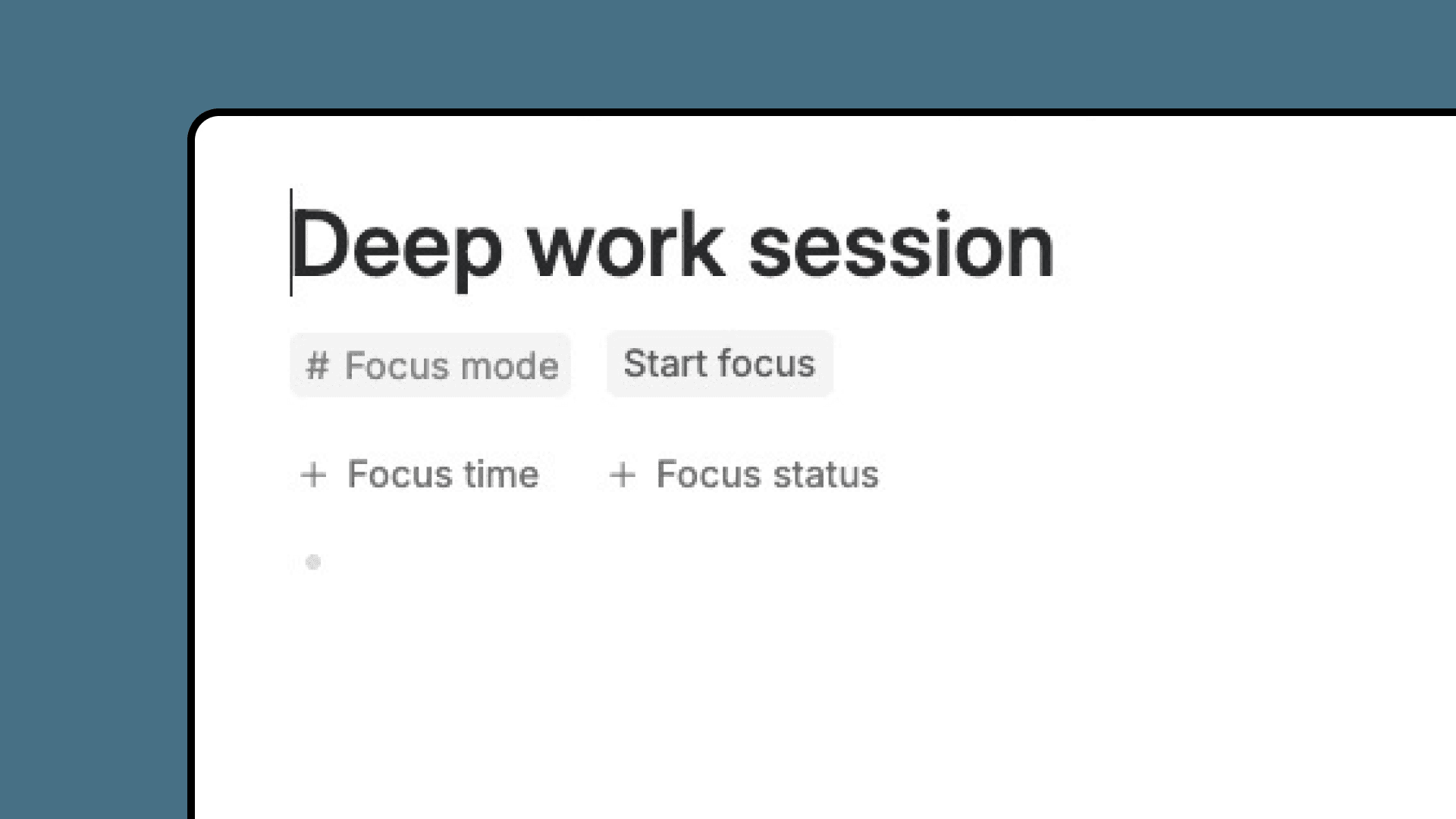
Focus modeEnter focus mode on any node. Your workspace transforms to help you concentrate. When you're done, exit focus mode and see exactly how long you focused. Build a record of deep work across all your projects.
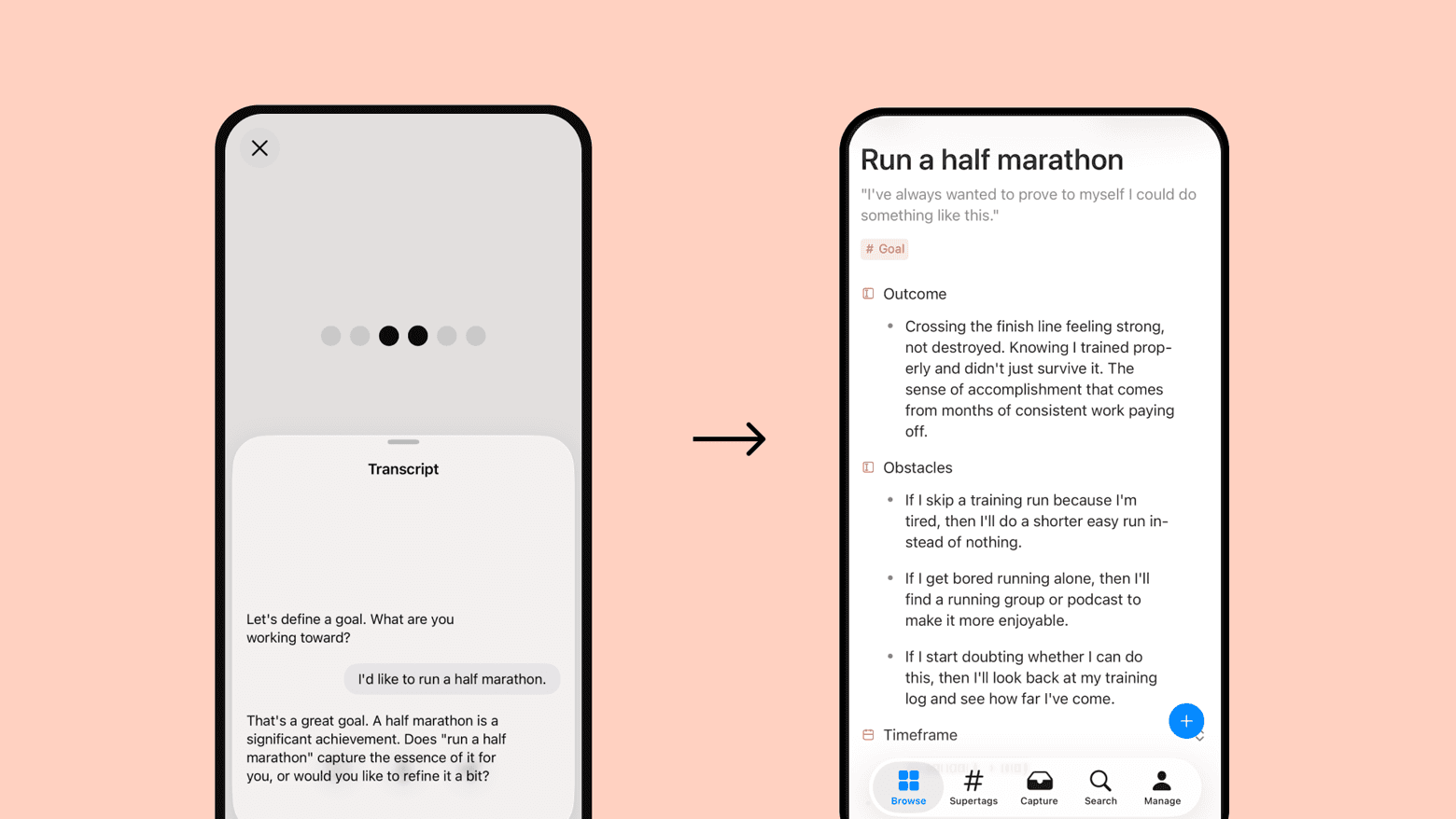
Goals that stickThe Goals template helps you define meaningful goals and stay connected to them over time. Voice-enabled for natural goal capture, with an AI agent to check in on progress, refine obstacle plans, and find your next action.
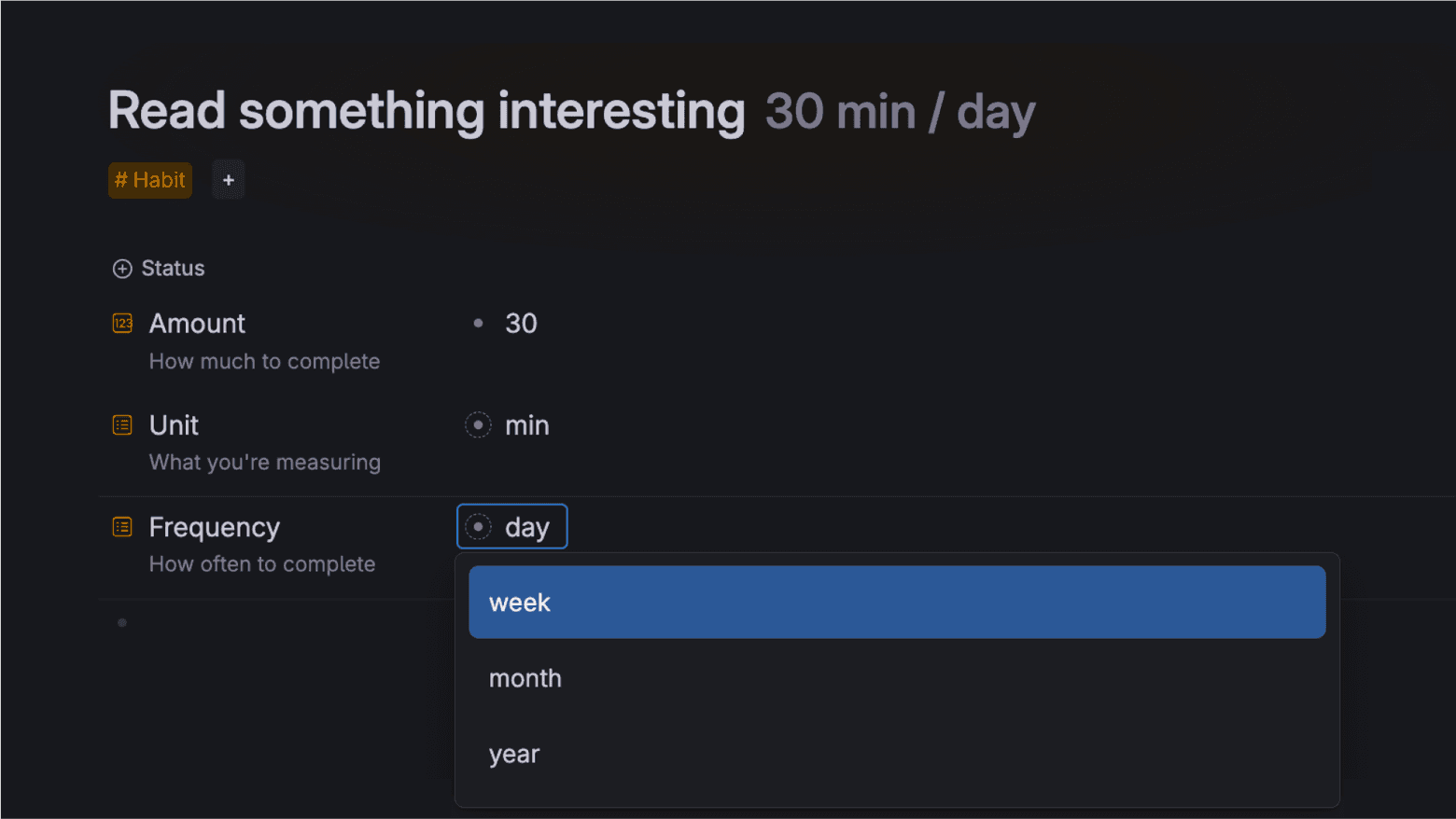
A habit tracker that keeps you consistentMost habit trackers fail because they live outside your normal workflow. Tana Outliner's habit tracking template changes the game by embedding powerful tracking functionality directly into your daily notes. Stop switching between apps and start building consistent habits.
More features
What's new
See all- NewMermaid diagrams render inline in code blocks. Write a mermaid code block and Tana Outliner now renders it as a diagram for everyone, with no setup needed. A maximize button opens the diagram in a fullscreen viewer for anything too large to read inline, and pressing Space on a focused diagram does the same.
- NewPart-of breadcrumb navigator. A breadcrumb at the top of a node now shows where it sits in its part-of hierarchy, so you can see and jump up the chain of containing nodes. Long chains are shortened with a … in the middle. Available to everyone.
- NewGPT-5.5 available as an AI model. GPT-5.5 is now in the AI model picker, with selectable reasoning levels (none, low, medium, and high) so you can trade speed against depth for AI commands and chat.
- ImprovedLarger result sets from the API and MCP. Searches and child listings through the local API and MCP can return up to 1000 results when you ask for them. Defaults stay at 50 for search and 100 for children, so existing calls behave the same unless you raise the limit yourself.
- FixedLive search in AI context respects its result limit. When a live search node is part of the context you send to AI, Tana Outliner now honors the result limit set on that search instead of pulling in everything. Filtered-out results are left out too, keeping the context focused on what you configured.
- FixedAdding the meeting bot to a call works again. Adding the Tana Outliner meeting bot to a meeting had recently started failing for everyone and now works again.