



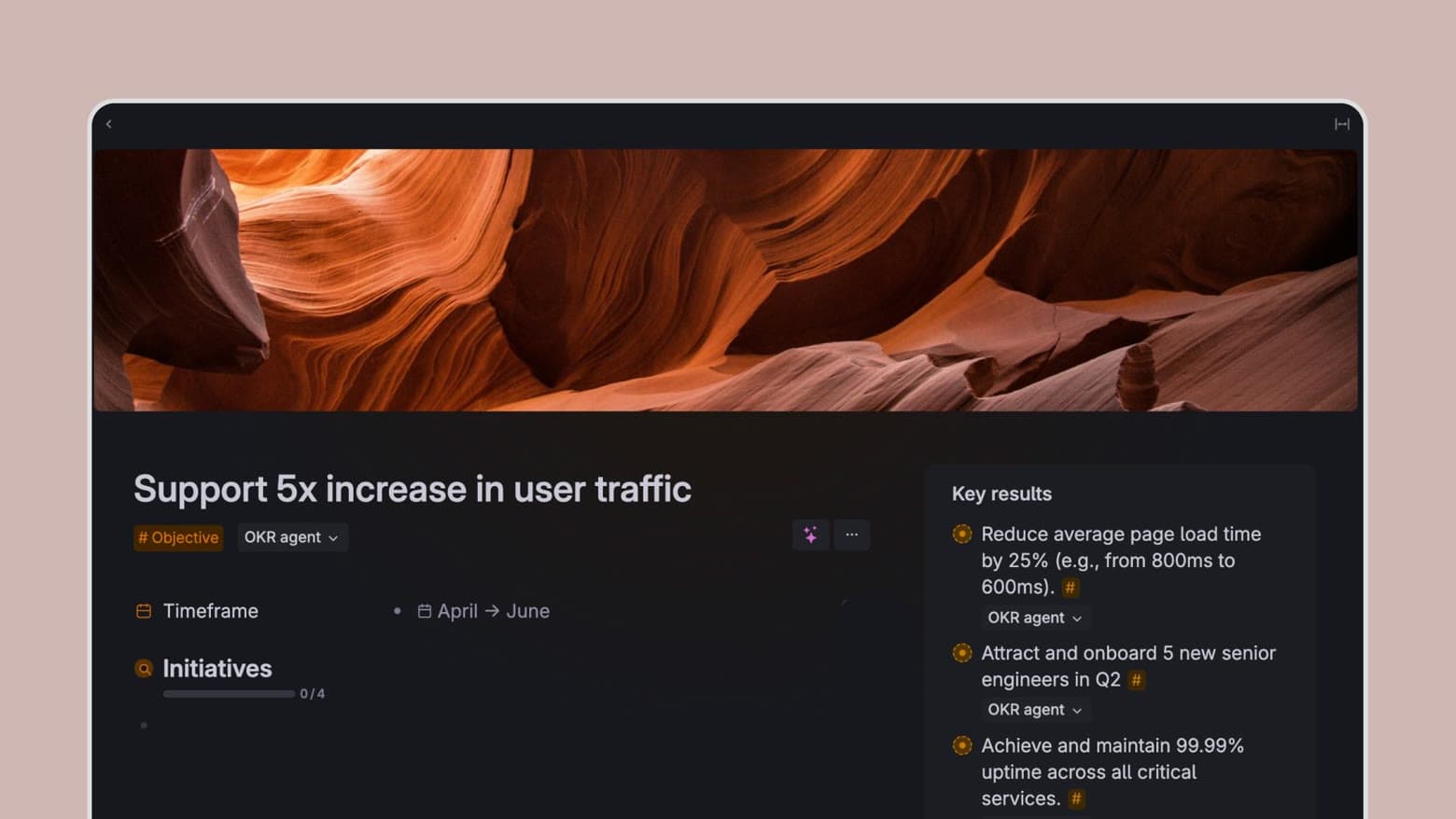
OKRs you'll actually use
Objectives and Key Results is an excellent framework to clarify goals and help you stay on track, but all too often they get stuck in slide decks and documents never to be seen again. The Tana Outliner OKR template seamlessly blends OKRs with your notes, tasks, and projects—so you have them easily available at all times.
AI-assisted OKRs
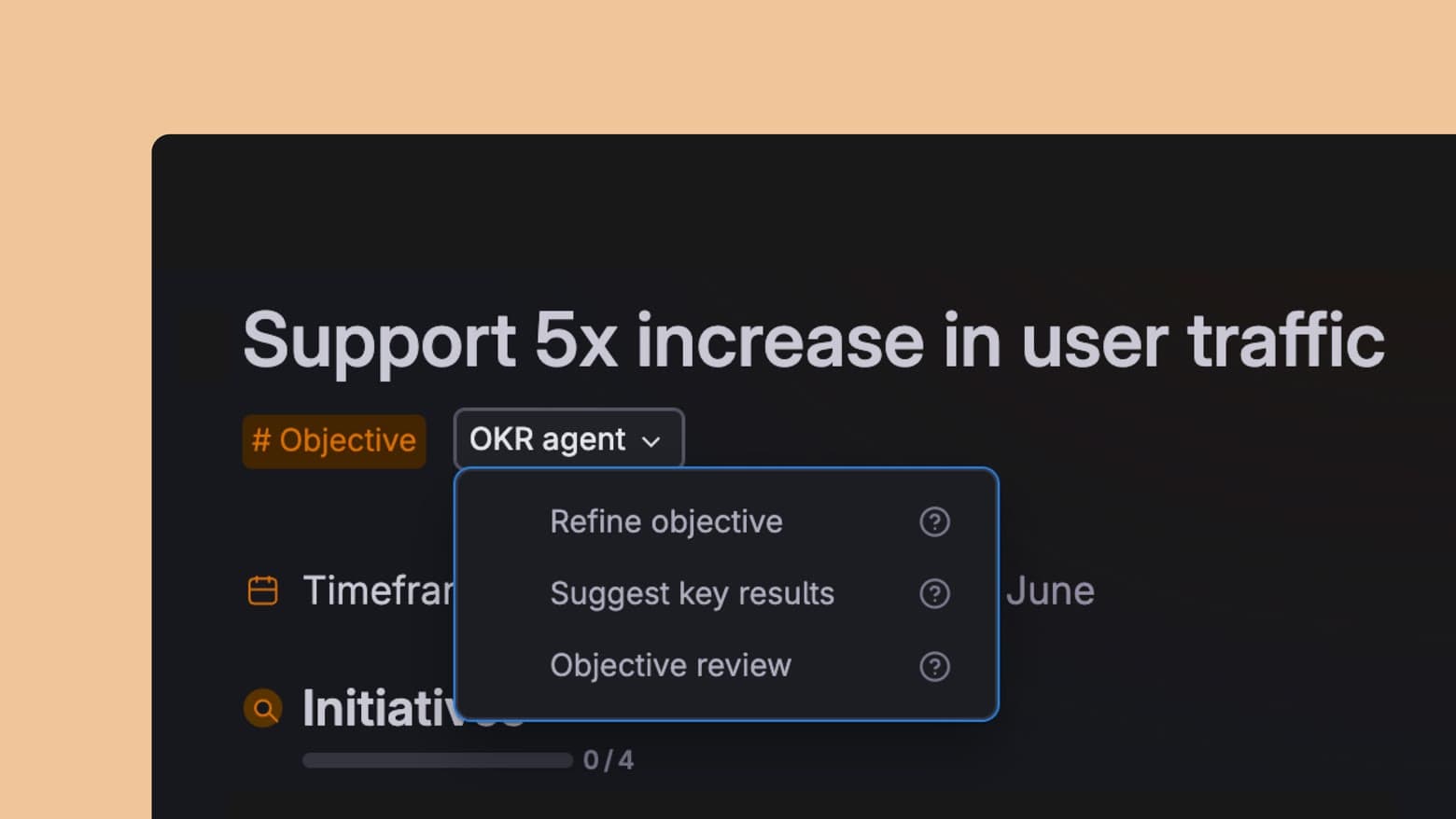
The Tana Outliner OKR agent can help refine your objectives and key results, so your OKRs become more effective and actionable. Click on the OKR agent and select what type of input you want.
How to use the Tana Outliner OKR template
-
Write down your goal and tag it with #Objective.
-
Add key results directly to that objective, or get suggestions from the OKR agent.
-
Add initiatives, projects, and tasks to the objective from anywhere in Tana Outliner by using the #Objective field.
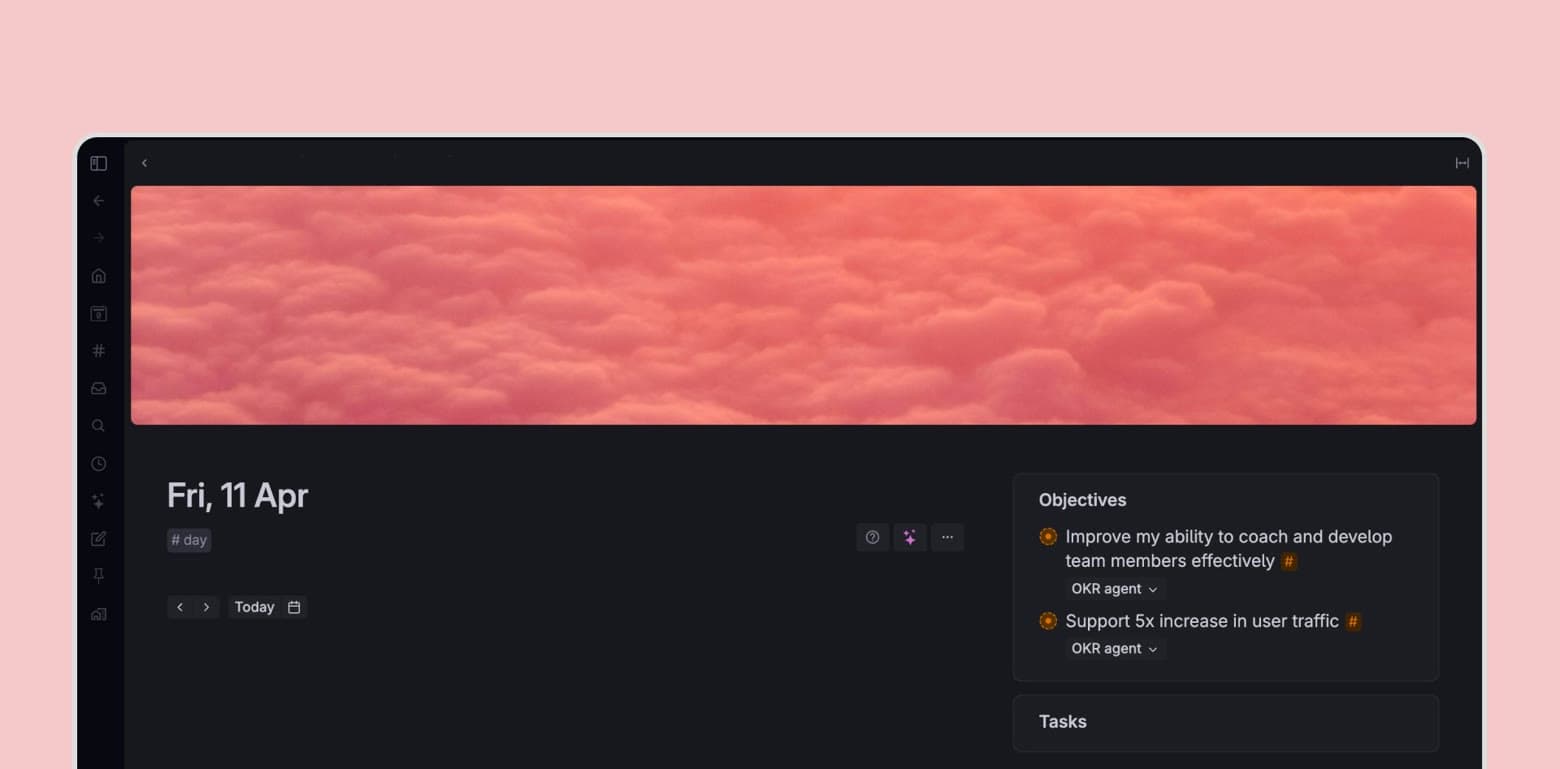
Pro tip - You can add a feed with objectives to your daily page, so you can keep your most important goals front and centre.
This template contains
Objective supertag With a key result feed, and overview of relevant initiatives.
Key result supertag That can easily be connected to different objectives.
**Optional tag extension **You can add objectives to your task and project supertags so they appear in the Initiatives overview.
**OKR agent **Trained on OKR best practices and embedded in the supertags.
You can use this template with the Free Plan, everything will work except the OKR agent.