

Work anywhere with Tana Desktop: Offline now available
Yes, Tana now works offline. You can now use Tana even when you’re completely offline. Whether you’re traveling, in a meeting with poor coverage, or just want to stay focused without Wi-Fi, your knowledge graph is always with you.
Tana is an collaborative outliner text editor that lets you build out a knowledge graph from all your knowledge. A system where meeting notes become tasks, tasks link to projects, insights connect across time, and your knowledge compounds instead of scattering.
With Tana Desktop’s new offline support you can now keep capturing ideas, updating notes, and working in your personal workspaces without interruption. When you reconnect, everything syncs seamlessly.
This feature has been months in the making; our most-requested addition to Tana Desktop. Tana Desktop's new offline mode automatically downloads all your sidebar workspaces so you can access your entire knowledge graph without internet.

Keep working, even when the network drops
If you lose connection briefly, Tana keeps working in the background. You’ll see a notification that we’re attempting to reconnect. Once you’re back online, your changes sync automatically. No data lost, no interruptions.
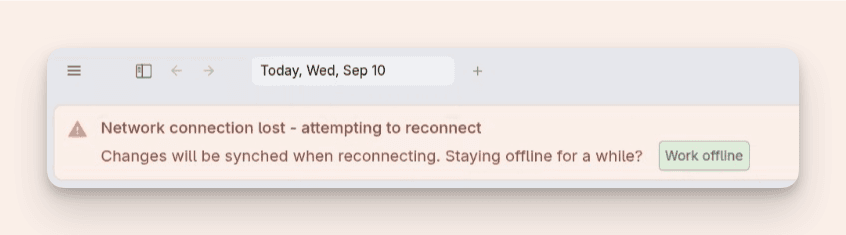
If you reload with no connection you can enter into offline mode. As long as you have loaded the Tana Desktop app before, you're data is already available.
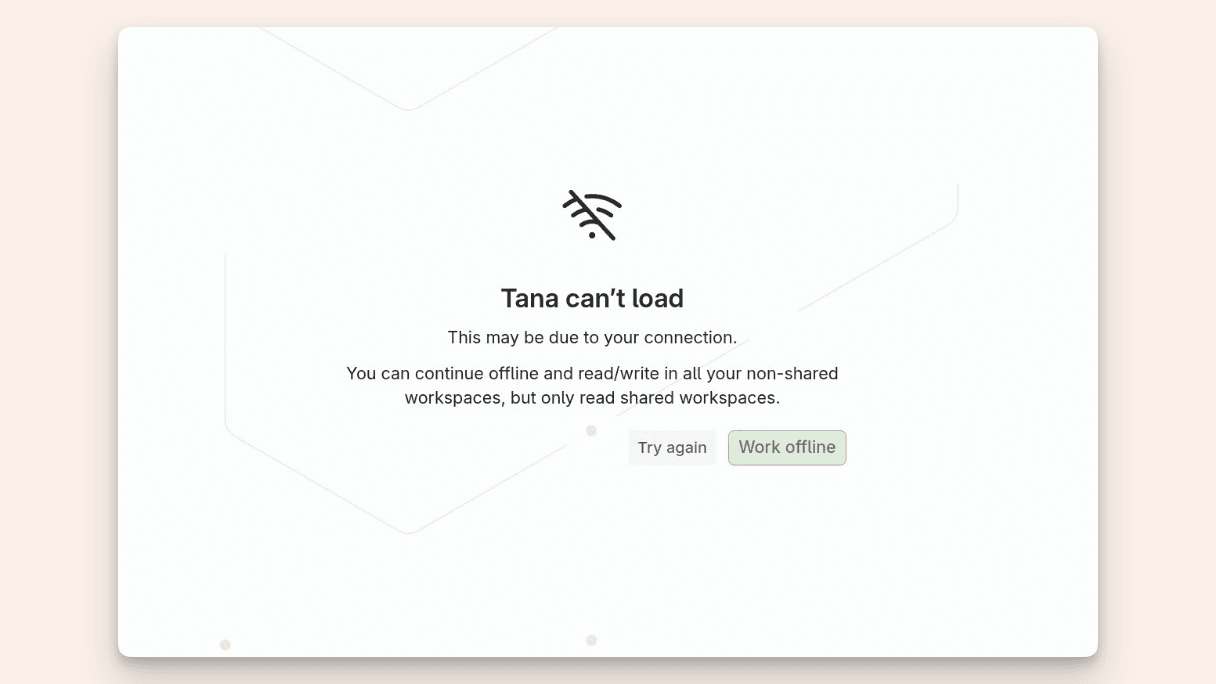
How does Tana's offline mode work?
Unlike other tools that require pre-selecting specific pages, Tana gives you full access to your interconnected notes, tasks, and projects offline.
For longer offline sessions, you can now manually switch to working offline. The offline experience is built for longer sessions of work.
Tana will reload and build local indexes of your workspaces so that features like inline references and search still work, even without a connection.
What you can do offline
- Write and edit everything in your personal and non-shared workspaces
- Read shared workspaces
- Search across your workspace (for workspaces up to ~750k nodes)
- Use inline references and navigate your graph
- Capture ideas, notes, and tasks exactly as you would online
What you can't do offline
- Use AI features or transcription
- Use commands that require AI
- Publish is disabled
Good to know before you go offline
When working in shared workspaces offline, you’ll have read-only access. You can still browse and review content, but to avoid conflicts, we disable editing shared nodes while offline.
Going in and out of offline mode require reloading of Tana. If you have made many changes offline, reloading to go online may take a few minutes. You'll see a loading screen while your changes are being synched. You'll have to actively choose to go back online:
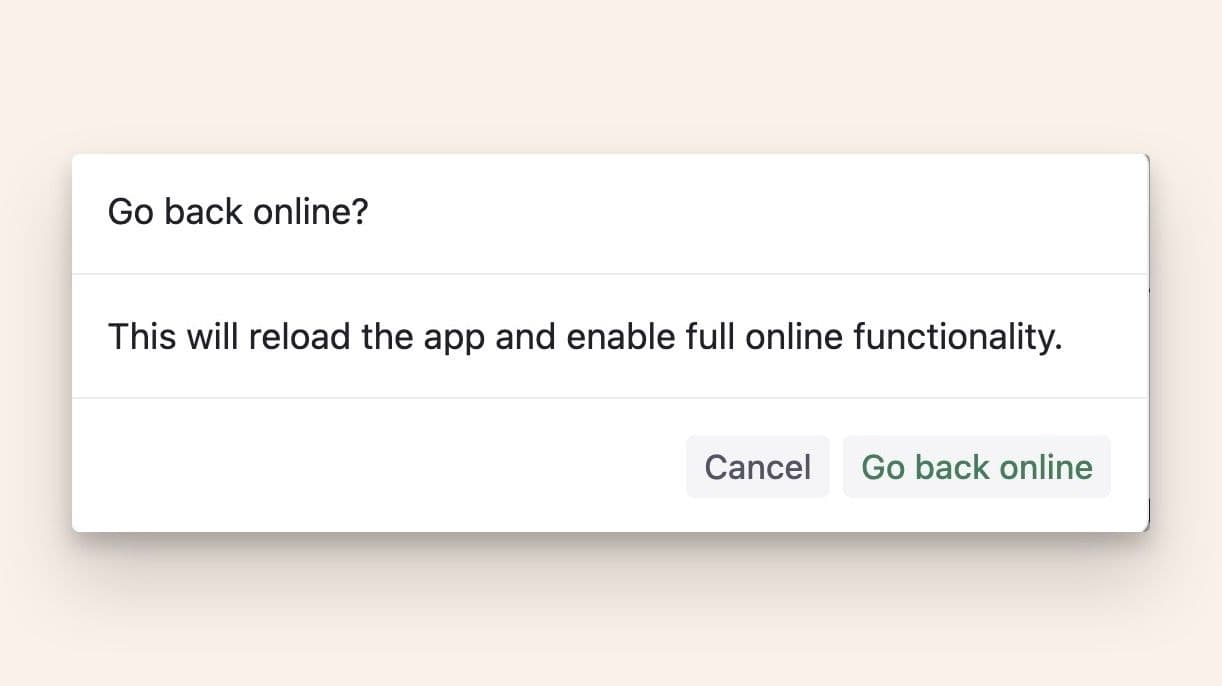
Offline mode can last as long as you need, whether for a flight, a long commute, or days without internet. Just note that very large workspaces or workflows that create thousands of nodes may give longer reload times when going back online, as everything has to be synched.
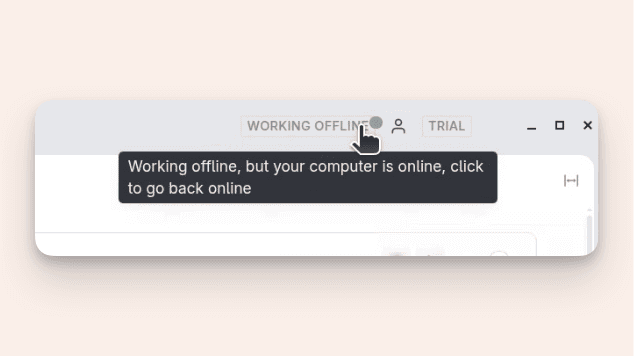
You’ll see an indicator in the top menu showing when you’re working offline.
How to start working offline
- Make sure you’re on Tana Desktop app version 1.0.49 or later
- In the user menu, click Work offline
- Confirm and reload: the first reload may take a few minutes while Tana builds your local index
- You’re now offline!
When you’re ready to reconnect, click the indicator in the top bar to go back online, Tana will reload and sync all your changes.
Why offline matters
For many users, being tethered to a network was the one thing holding them back from using Tana as their central workspace. That changes today.
Now, Tana is your always-available second brain: ready whenever inspiration strikes, no matter where you are.
Offline mode brings us closer to our long-term vision: a workspace that helps you focus and do your best work.
Download it now:
Explore further