
Tana Current April 2026
The Outliner team is focused on improving the day-to-day experience. The community continues to push the boundaries of what's possible with the Tana MCP. And Theo gave a first live walkthrough of the new Tana, showing meetings where AI captures and creates work during the conversation itself.
Improving the core, building what's next
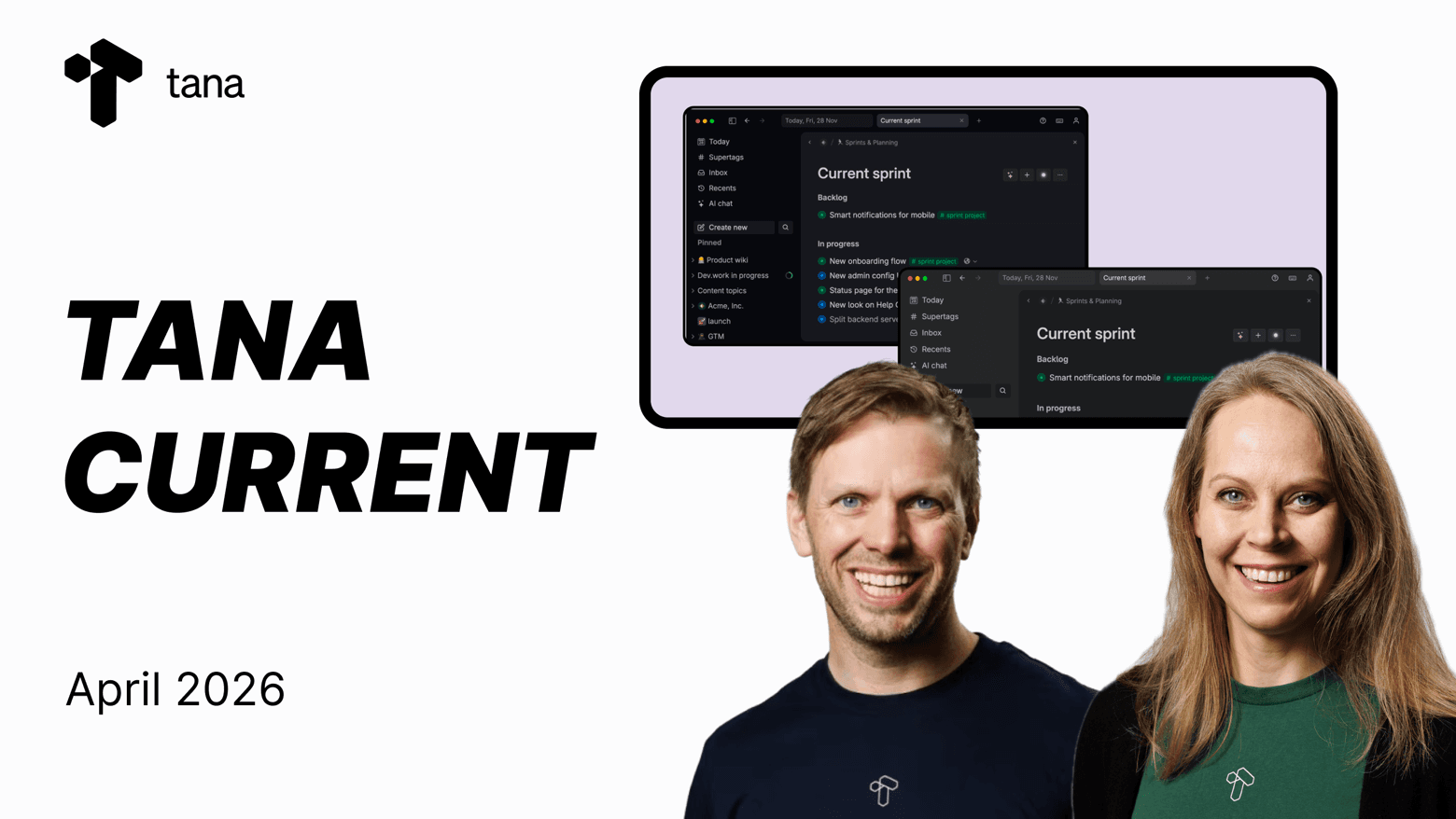
The April Tana Current covered a lot of ground. Ingrid walked through what's shipping and what's next for Tana Outliner. Olav shared an update on timing, pricing, and the two-product strategy. Theo gave the community a walkthrough of where the new Tana is heading. And navigator David Delgado showed how he's combining the Tana MCP with Claude Code, NotebookLM, and Linear into a daily workflow.
If you missed the stream, here's what matters.
Tana Outliner: What's shipping
The theme for Q2 is improving the day-to-day experience. Core reliability, long-standing paper cuts, and the features people use most. Ingrid and the Outliner team have been working through the community's feedback lists. Some fixes are quick, others take disproportionate time because of how connected Outliner is, but the focus is steady.
Recently launched
- MCP and local API fixes and improvements, shipped continuously since launch
- Global web clipper in the desktop app (Cmd/Ctrl+Shift+Space to capture from any app)
- New AI models available: Claude Sonnet 4.6, Claude Opus 4.6, OpenAI GPT 5.4, Gemini 3.1 Pro
- Default AI chat model upgraded to GPT-5.4 (cheaper, faster, large context window)
- Option to set the default AI chat model across all chats
- Reference section can now default to collapsed
parent.fieldsearch expression now works with multiple values, a significant fix for anyone using it with meetings and attendees- Alphabetical sorting no longer affected by formatting
- Undo now tracks only content changes
Shipping now and next
- Transcription reliability. We'll soon roll out the option to save backup audio for transcription (both live transcriptions and meeting notetaker), so you can always recover the original audio if needed.
- New Copy node ID command. For MCP users who need to reference specific nodes.
- Drag and drop in grouped views. A long-requested improvement.
- MCP concurrency fixes. Addressing issues found as usage scales.
- Continued work on paper cuts and bug fixes from community feedback.
Coming next
- Grouping improvements (collapsible groups, hide empty, relative dates, better drag behavior)
- Trash restore to original location, which is especially important now that MCP usage can lead to accidental deletions
- Desktop startup speed improvements
- Search improvements
- MCP access to full transcript with speaker and timestamps. Exposing the source material as requested by the community.
The Outliner has a dedicated team and its own roadmap. If there's something you want to see prioritized, share it in the community.
Community MCP workflows
The recently released new Tana MCP is a big idea and unlocks a lot of possibility. We think it still remains an under-explored feature for building dramatically new and different workflows with your Tana setup, and the April session featured two standout workflows in the community.
David's three-layer context system. David, one of the longest-standing community members, showed a daily workflow built around Claude Code with the Tana MCP, the SuperTag CLI, Linear, and Google's NotebookLM. He organizes context into three layers: an operating layer (global instructions and skills), a project layer (Tana as structured task and knowledge management via MCP), and an execution layer (Linear for code work, NotebookLM for research). The result is a system where each tool does what it's best at, with Tana as the connective tissue.
Yasuhisa's semantic map. The final MCP competition winner built a tool that creates a 2D map of your Tana nodes based on semantic similarity. Not just a visualization of your notes, but a meaningful spatial layout of ideas by how they relate. Built entirely through the MCP and Claude Code.
We'll also be sharing Mark's video on five levels of MCP usage in the community, from initial setup through to advanced workflow composition.
A first look at the new Tana
Theo gave the community a walkthrough of where the new product is heading. It's still very much in flight, moving fast and changing daily, but the session gave a sense of the direction.
The focus is on meetings as a place where work actually happens. In the walkthrough, Theo joined a live call, ran an AI skill that looked at what was shared on screen and what was said, and produced an annotated storyboard, all during the conversation. Team members captured issues mid-meeting using a simple capture button, each with context pulled from the discussion and any screen shares. After the meeting, an AI skill summarized decisions, generated follow-up tasks, and updated existing context documents based on what was discussed.
A few things stood out from the walkthrough:
Knowledge that stays current. The AI didn't just create new items. It also went through existing context documents and updated them based on what was discussed. That's an interesting pattern: meetings keeping your knowledge base current as a side effect of the conversation.
Structuring output. The core idea from Supertags has been carried through in the new Tana as "types", making it easy to create and configure them in natural language in the AI chat or directly inside a meeting. Meetings let you capture types with one click, AI will create a proposal based on what was said and shared in the last minutes of the meeting, and you can review or edit before saving.
Deeper context. When you share your screen, the AI sees it and can reason about what's shown in combination with what's being discussed. In the demo, an issue captured during a screen share included an AI-annotated screenshot with relevant context, useful for handing off to a coding agent later.
Collaboration throughout. Documents, canvas, meetings, and AI chats are all collaborative with live cursors and presence. Access control works at the level of individual documents and spaces, not just the workspace. External guests can join via a link. External meeting platforms like Zoom, Google Meet, and Teams can also be captured.
Skills and artifacts. Skills are reusable workflows that tell AI how to process specific types of work, from generating storyboards to filing bugs to running research templates. You can create your own skills, import from other tools (like Claude Code) and they can be triggered during a meeting or anytime in the workspace.
Mobile. The new product is being designed for mobile from the start, with the goal of full feature parity.
All of this is still being built. Things are changing rapidly, and what Theo showed won't look the same by the time people get access. But the direction is clear.
Timing, pricing, and naming
Olav addressed the three things the community has been asking about most.
Timing. The team has taken extra time to get the experience right. Access will begin rolling out in the coming weeks, with group onboarding sessions across time zones. No one will be pushed to move. If you like to test early, you can opt in. If you prefer to wait, that's fine. The product is expected to change rapidly during the early phase, as user feedback comes in.
Pricing. The new product will have a free plan. The full experience is planned at around $20 a month for early access. If you're already a paying Tana subscriber, you'll get access to the new product as part of your existing subscription for the rest of the year. Before the year ends, we'll share a clear path forward. No surprises.
The name. Some in the community had strong reactions to the Outliner rename, and Olav acknowledged the rollout could have been handled better. The new product is aimed at a broader audience (teams, collaboration, ease of getting started) so it carries the main Tana brand. Tana Outliner reflects what makes the current product distinctive.
Compliance. The new Tana is launching with SOC 2 and GDPR compliance. HIPAA is expected within a couple of months.
What's Ahead
The Outliner team is focused on making the product you use every day better. Faster, more reliable, with fewer rough edges. That work is already underway and shipping.
The new Tana is taking shape and getting closer. We'll share more as it firms up.
- Tana Outliner has a dedicated team with a clear roadmap focused on reliability, paper cuts, and long-requested improvements
- The MCP is opening up workflows we didn't anticipate, and the community is leading the way
- The new product is still being built, with access coming in the next few weeks for those who want to try it early
- Existing subscribers get access to both products for the rest of the year
Keep sharing feedback and ideas in the community, it's where everything starts.
Next Tana Current: to be announced in Slack
Explore further